Lindy
VerifiedAI assistant that manages emails, meetings, and daily admin tasks.
What is Lindy?
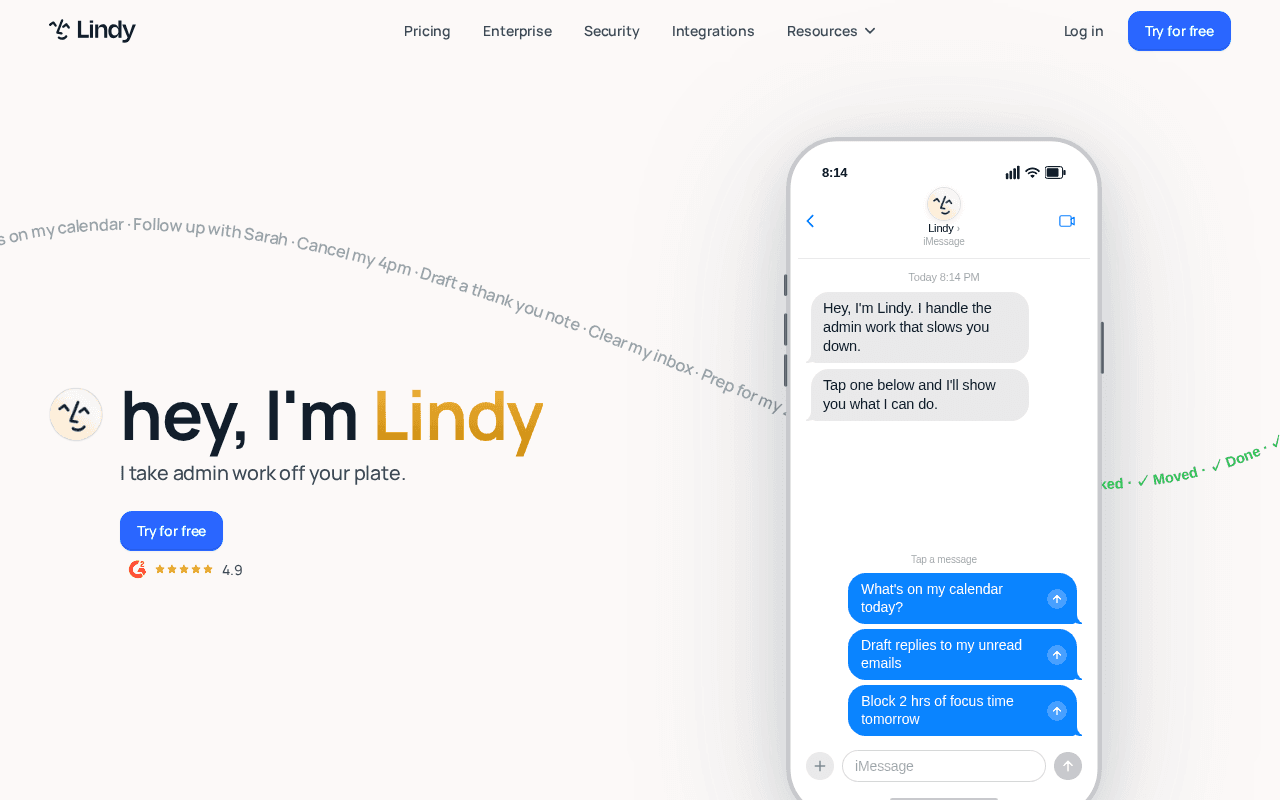
Lindy is a hosted AI executive assistant designed to handle routine administrative tasks such as inbox organization, email drafting, meeting preparation, and follow-ups. It works by linking to Gmail or Outlook accounts and uses natural language interactions through messaging apps to execute requests.
The system processes incoming emails by labeling them and generating draft responses that match the user's style. It also cross-references calendars and other connected apps to suggest or complete actions like blocking focus time or booking travel without constant user input.
This tool suits professionals and teams who want to reclaim time spent on repetitive office work while maintaining control through built-in approvals and privacy settings.
Capabilities
What you can build with Lindy
Email Management
Organizes incoming messages, applies labels, and prepares replies for quick review and sending.
Meeting Coordination
Checks availability, blocks focus time, prepares notes, and handles follow-up actions after events.
Task Automation
Executes requests like travel bookings or inbox clearing through simple text commands.
How to use Lindy
- 1Sign up for a trial account on the Lindy website.
- 2Connect your Gmail or Outlook inbox to begin processing.
- 3Allow the AI to analyze your communication patterns for personalization.
- 4Send a text command via iMessage or SMS to test an action such as drafting an email.
- 5Review outputs and adjust settings to refine future results.
Works with
Lindy: pros & cons
Pros
- +Strong set of integrations with email, calendar, and messaging apps
- +Privacy-focused design with approvals and no data sales for training
- +Saves significant time on repetitive tasks like email triage
- +Accessible through familiar messaging interfaces
Cons
- –Requires a paid subscription after the initial trial period
- –Dependent on accurate learning from user data which may take time
- –Enterprise features like SSO and HIPAA compliance limited to higher tiers
Frequently asked questions
It improves by observing your edits to drafts, priorities, and completed tasks over repeated use.
User reviews
Verified reviews from the community shape this listing's rating.
Loading reviews…
Similar agents
Other automation options worth comparing.