AutoVideo Maker Pro
VerifiedDesktop software that turns prompts into assembled videos for online creators.
What is AutoVideo Maker Pro?
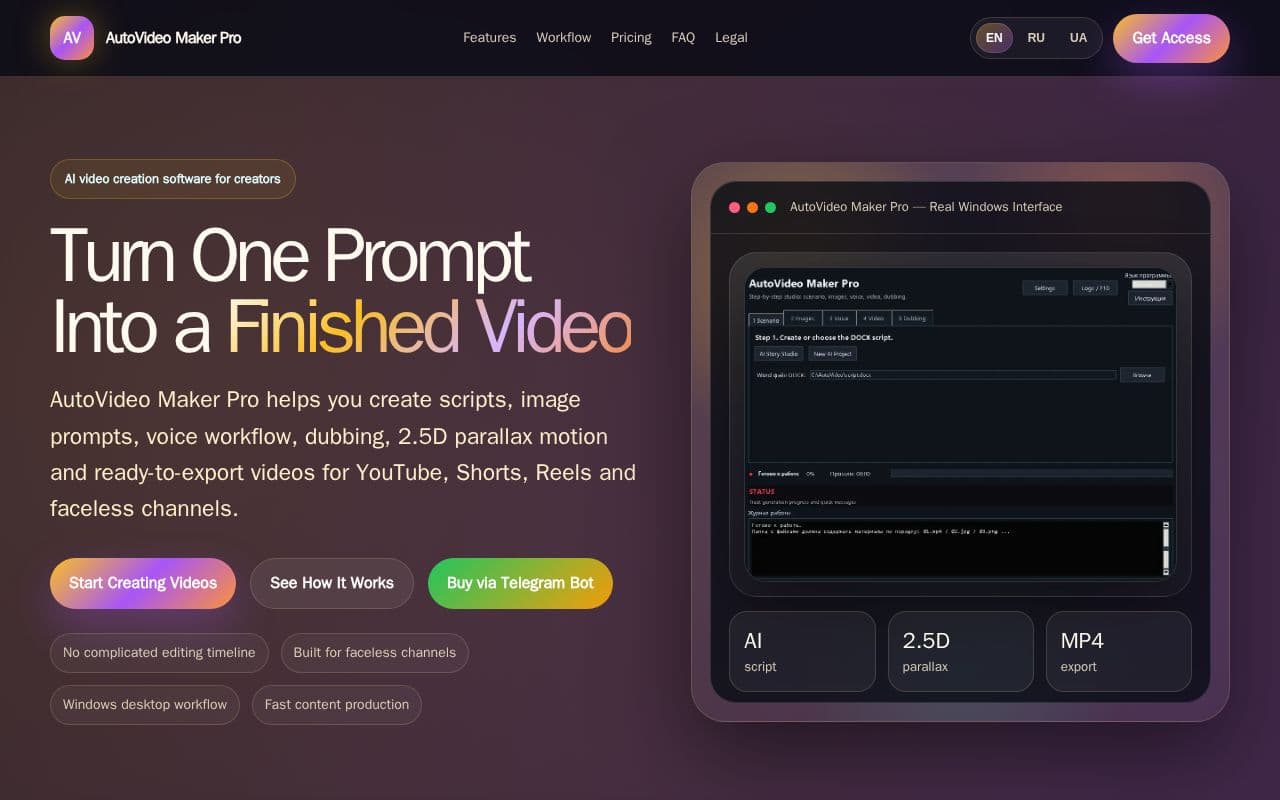
The application provides structured assistance for generating scripts and corresponding image prompts based on user topics. It then facilitates assembly of scenes with added motion, voice elements, and export options suitable for multiple platforms. Creators can follow a sequential process that reduces manual transitions between different production stages. This includes preparing text for narration and applying consistent visual treatments across scenes. It targets formats such as documentary-style videos, ambient content, and channels that avoid on-screen appearances, allowing for repeatable output with less reliance on separate editing programs.
Key features
What you can use AutoVideo Maker Pro for
Faceless YouTube
Create videos without appearing on camera: facts, stories, explainers, mysteries and educational content.
True Crime & Documentary
Build structured scripts, atmospheric scenes and cinematic videos for documentary-style channels.
Relaxing & Ambient Videos
Use parallax motion and smooth visuals for relaxing, sleep, rain, fireplace and ambience videos.
How to use AutoVideo Maker Pro
- 1Enter your idea or video concept
- 2Generate script and scene image prompts
- 3Add voice and connect scenes
- 4Apply 2.5D parallax motion
- 5Export the finished MP4 video
AutoVideo Maker Pro pricing
Pricing model: Paid. Plan details are indicative — check the site for current prices.
AutoVideo Maker Pro
- AI script and story workflow
- Image prompt and scene workflow
- 2.5D Parallax / live photo motion
- Voice and dubbing preparation workflow
- Automatic video assembly workflow
Editor's verdict
Pros
- +No complicated editing timeline
- +Built for faceless channels
- +Fast content production
Cons
- –Windows only
- –Does not replace all AI tools
Our take: AutoVideo Maker Pro is a solid video generation choice. It's valued for no complicated editing timeline and built for faceless channels. The main trade-off is windows only. Best when you need reliable, professional output.
Frequently asked questions
Yes. It is made to simplify the workflow, so creators can move from idea to finished video without learning complex editing software first.
Summary
AutoVideo Maker Pro is a solid video generation choice. It's valued for no complicated editing timeline and built for faceless channels. The main trade-off is windows only. Best when you need reliable, professional output.
User reviews
Verified reviews from the community shape this tool's rating.
Loading reviews…
AutoVideo Maker Pro alternatives
Similar video generation tools worth comparing.


