
Caption Room
A desktop video editor delivering accurate AI captions across many languages.
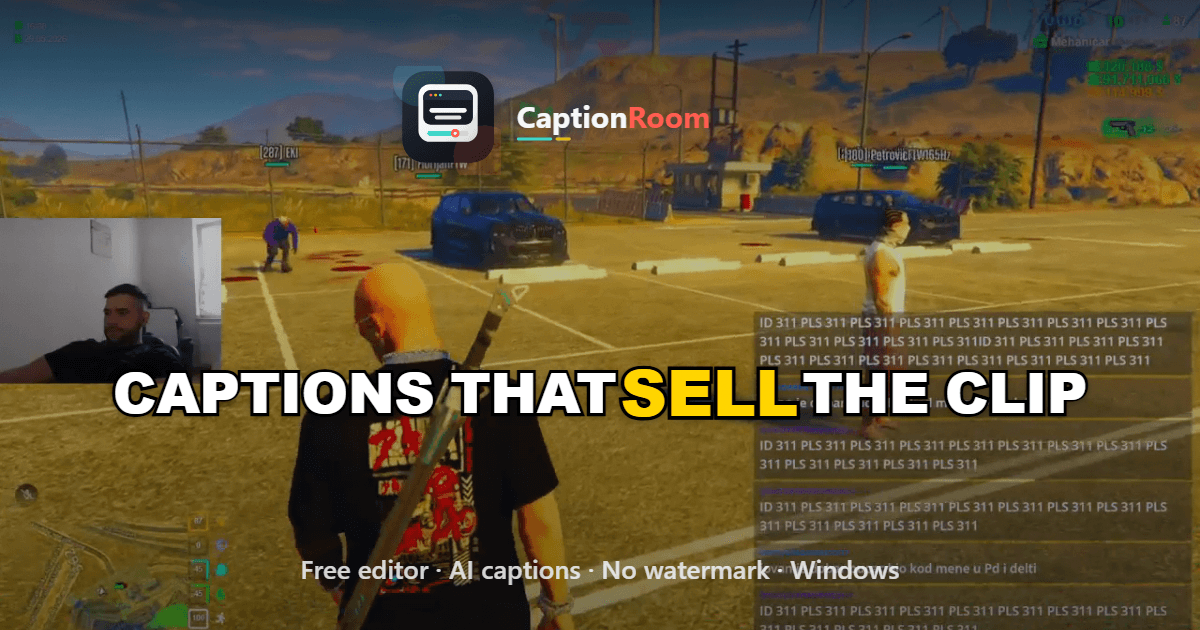
What is Caption Room?
This tool functions as a complete timeline-based editor designed around caption integration. Users can import video files, apply automatic transcription, adjust timing, and incorporate additional elements such as audio tracks or color adjustments. The system emphasizes offline operation where possible, sending only necessary audio data for caption generation. It includes multiple caption presentation options and supports various aspect ratios suitable for different platforms. Features like picture-in-picture layering and subtitle translation allow for flexible content adaptation. Exports maintain high fidelity without external dependencies or added marks. Compared to cloud-dependent alternatives, the application prioritizes user control over data and rendering performance. Automatic updates ensure ongoing improvements while keeping the core workflow contained within the desktop environment.
Key features
What you can use Caption Room for
Social Media Video Captions
Create word-accurate AI captions in 99+ languages for clips destined for TikTok, Reels, and Shorts, with karaoke timing and platform-specific aspect ratios.
Local-First Video Editing
Edit videos entirely on your Windows PC, adding music tracks, voiceovers, color grading, picture-in-picture, and brand elements without any uploads.
Multilingual Caption Translation
Transcribe original audio and instantly translate captions to other languages while preserving timing and exporting clean SRT files or burned-in video.
How to use Caption Room
- 1Download Caption Room for Windows
- 2Open your video file in the local editor
- 3Click to generate AI captions in your chosen language
- 4Edit timing, apply a style, and add music or overlays
- 5Preview in the desired aspect ratio and export
Caption Room pricing
Pricing model: Freemium. Plan details are indicative — check the site for current prices.
Free
- Free editor
- manual captions
- Classic and Minimal styles
- no watermark
- local processing
Pro
Popular- AI captions
- all 5 styles
- Brand kits
- Translate any language
Pro Lifetime
- AI captions
- all 5 styles
- Brand kits
- Translate any language
Editor's verdict
Pros
- +Fully local processing with no video uploads
- +Free core editor with no watermarks
- +Accurate captions for non-English languages
Cons
- –Windows desktop only
- –Advanced features require paid Pro plan
Our take: Caption Room is a solid video generation choice. It's valued for fully local processing with no video uploads and free core editor with no watermarks. The main trade-off is windows desktop only. A good pick if you want capable AI without a high upfront cost.
Frequently asked questions
Yes, the editor is free to download and use with no credit card required.
Summary
Caption Room is a solid video generation choice. It's valued for fully local processing with no video uploads and free core editor with no watermarks. The main trade-off is windows desktop only. A good pick if you want capable AI without a high upfront cost.
User reviews
Verified reviews from the community shape this tool's rating.
Loading reviews…
Caption Room alternatives
Similar video generation tools worth comparing.


Explore & compare Caption Room
Data-driven comparisons, alternatives and rankings — kept current by our agents.
Featured in