Claunnector v0.6.0
A menubar application that securely links AI assistants to Mac apps and data.
FreeProductivity
Visit website Free to browse · updated 2026-06-30
What is Claunnector v0.6.0?
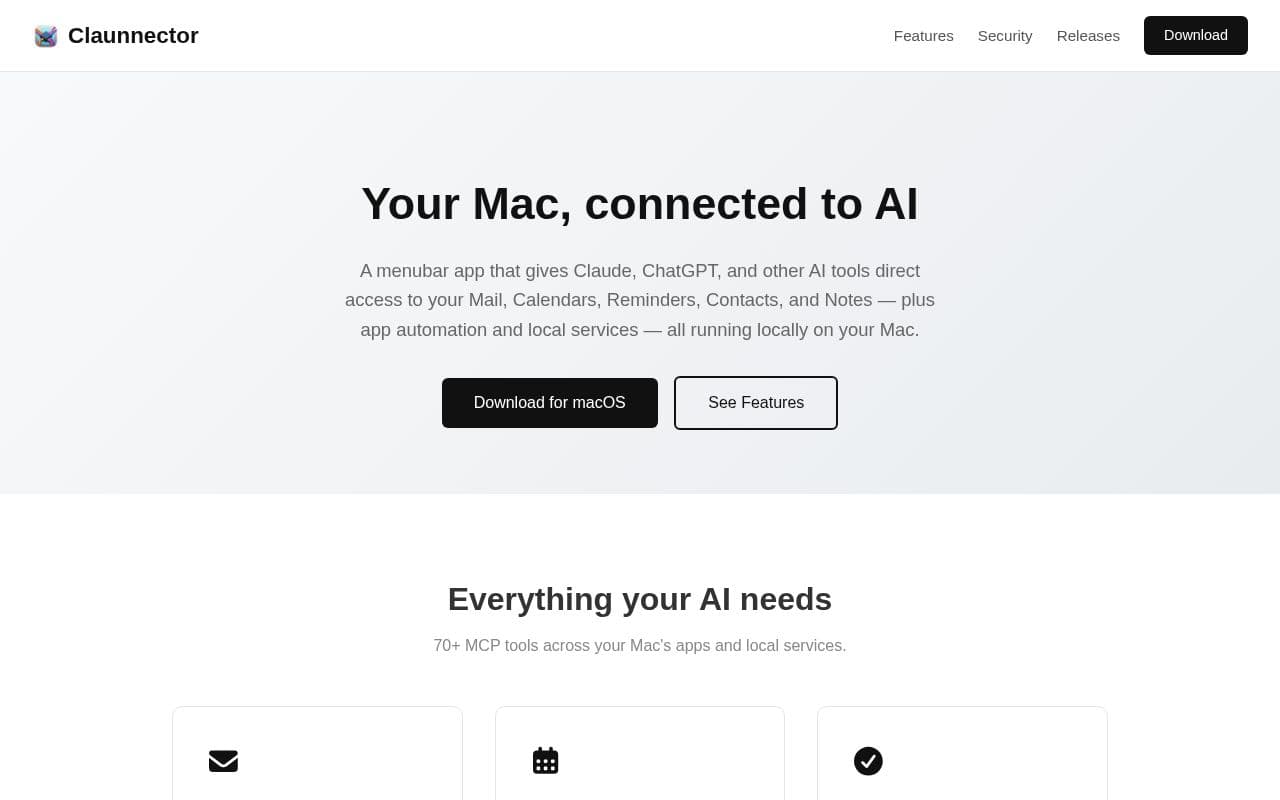
This application runs as a single process on macOS and exposes over seventy tools for AI clients to interact with system services. Users can search and manage emails, schedule events, handle tasks, organize contacts, and edit notes through natural language commands while keeping all processing on the device. Security features include client-specific profiles that restrict access to individual resources, encrypted storage for credentials, and a detailed audit log of every tool invocation. The server listens only on the local interface, preventing any external network exposure. It integrates with various AI platforms through standard connection methods and supports automation of productivity applications via scripting. Configuration occurs through an interface accessible from the menu bar, allowing quick setup without additional installers or background services.
Key features
Menubar app providing AI access to Mail, Calendars, Reminders, Contacts, and Notes
70+ MCP tools for Mac apps and local services
Localhost-only MCP server binding to 127.0.0.1
Client profiles for per-AI access control at service and resource level
Full audit log tracking every tool call with timestamps and details
App automation via run_applescript for Music, Pages, Numbers, Keynote
Native macOS notifications and in-app history for AI actions
What you can use Claunnector v0.6.0 for
Email Management
Search, read, send, reply, draft, move, delete, and flag emails with markdown-to-HTML conversion and threading support across IMAP and Gmail accounts.
Calendar and Task Coordination
List, search, create, update, and delete events and reminders with recurrence rules, alarms, and full CRUD operations via EventKit and Reminders framework.
Mac App Automation
Drive Music, Pages, Numbers, and Keynote through a single run_applescript tool while controlling access per client profile.
How to use Claunnector v0.6.0
- 1Download Claunnector from claunnector.com for macOS
- 2Launch the menubar app and start the MCP server
- 3Create client profiles and set service permissions
- 4Connect your AI client using the provided localhost URL or 1-click install
- 5Review the audit log and notifications for AI actions
Claunnector v0.6.0 pricing
Pricing model: Free. Plan details are indicative — check the site for current prices.
Free
Free
Editor's verdict
Pros
- +All processing runs locally with no data leaving the Mac
- +1-click install and config for Claude Desktop and similar clients
- +Granular permissions and searchable audit log for security
Cons
- –Requires macOS 15 or later
- –Only works with MCP-compatible clients over HTTP+SSE or stdio
Our take: Claunnector v0.6.0 is a solid productivity choice. It's valued for all processing runs locally with no data leaving the mac and 1-click install and config for claude desktop and similar clients. The main trade-off is requires macos 15 or later. A good pick if you want capable AI without a high upfront cost.
Frequently asked questions
Yes, it is a native menubar app designed exclusively for macOS with no installer or background daemons required.
Summary
Claunnector v0.6.0 is a solid productivity choice. It's valued for all processing runs locally with no data leaving the mac and 1-click install and config for claude desktop and similar clients. The main trade-off is requires macos 15 or later. A good pick if you want capable AI without a high upfront cost.
Did you find this helpful?
User reviews
Verified reviews from the community shape this tool's rating.
Loading reviews…
Claunnector v0.6.0 alternatives
Similar productivity tools worth comparing.


