
CrowForge
VerifiedCrowForge delivers a unified local workspace combining AI chat, documents, and project tools.
What is CrowForge?
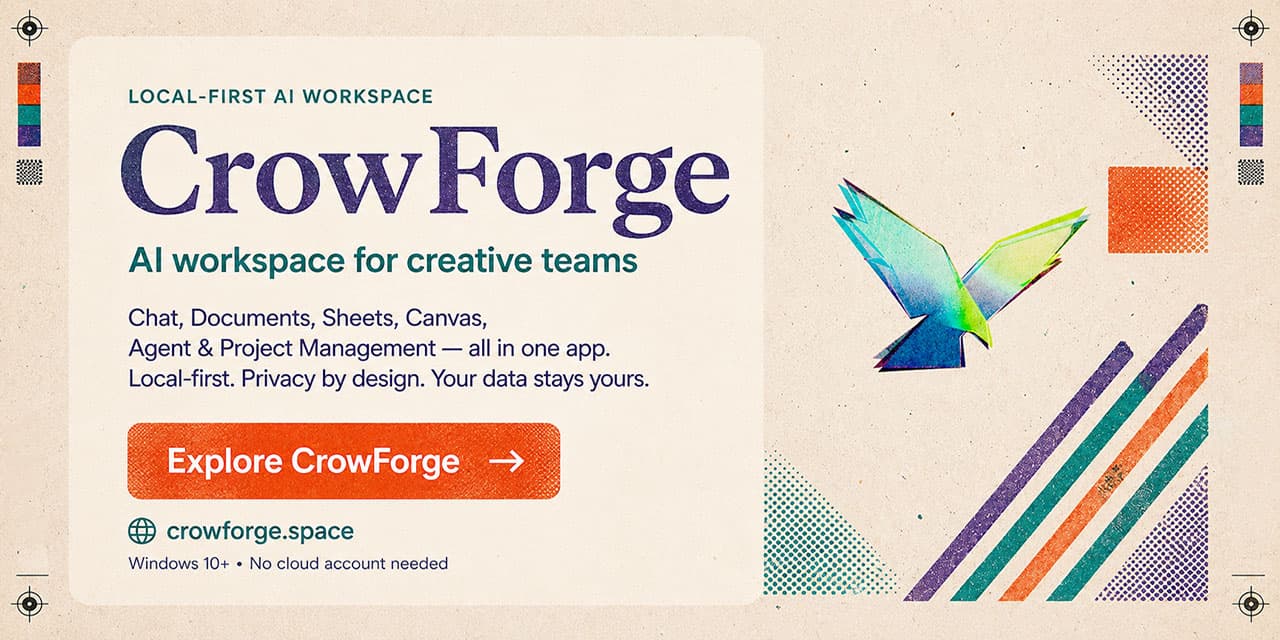
CrowForge integrates multiple productivity features into one offline application designed for creative teams. Users can work with chat interfaces, rich documents, spreadsheets, node-based canvases, and full project management systems that share a common context. The platform emphasizes local operation with support for downloadable models and persistent agent memory that carries over between sessions. The core agent component performs step-by-step reasoning, selects appropriate tools, and executes actions such as reading or editing files while displaying its process. All components function without internet connectivity, though optional cloud models can be used if preferred. Additional planned capabilities include versioning tools and local image generation features. Developed by a founder with extensive experience in visual effects and game production, the application targets users seeking control over their data and workflows without reliance on external services.
Key features
What you can use CrowForge for
AI Agent Task Automation
Deploy the tool-using agent with ReAct reasoning and streaming responses to handle file operations and RAG queries over local documents.
Local Project Tracking
Organize work with Kanban boards, backlogs, sprints, roadmaps, and issues inside a single offline workspace.
Node-Based Creative Canvas
Build automated workflows on the canvas using eight AI node types that trigger chained actions without external services.
How to use CrowForge
- 1Download CrowForge from Steam
- 2Install and launch the desktop app
- 3Browse and download a GGUF model from the gallery
- 4Open the AI Chat to start a session with the agent
- 5Switch to Canvas or Projects to build workflows
CrowForge pricing
Pricing model: Paid. Plan details are indicative — check the site for current prices.
CrowForge
- One desktop app
- Local by default
- AI Chat & Agent
- Documents & Sheets
- Canvas
- Project Management
- Model Gallery
Editor's verdict
Pros
- +Fully local desktop app with zero cloud dependency
- +Single integrated workspace instead of multiple disconnected tools
- +Persistent memory and local data privacy
Cons
- –Alpha release with expected bugs
- –Windows-only (Windows 10 or later)
- –Several features still marked as coming soon
Our take: CrowForge is a solid productivity choice. It's valued for fully local desktop app with zero cloud dependency and single integrated workspace instead of multiple disconnected tools. The main trade-off is alpha release with expected bugs. Best when you need reliable, professional output.
Frequently asked questions
No, the app runs fully locally with offline GGUF models and all core modules available without connectivity.
Summary
CrowForge is a solid productivity choice. It's valued for fully local desktop app with zero cloud dependency and single integrated workspace instead of multiple disconnected tools. The main trade-off is alpha release with expected bugs. Best when you need reliable, professional output.
User reviews
Verified reviews from the community shape this tool's rating.
Loading reviews…
CrowForge alternatives
Similar productivity tools worth comparing.

