
Deep Live Cam
VerifiedTransform your appearance in real time with advanced AI avatar technology.
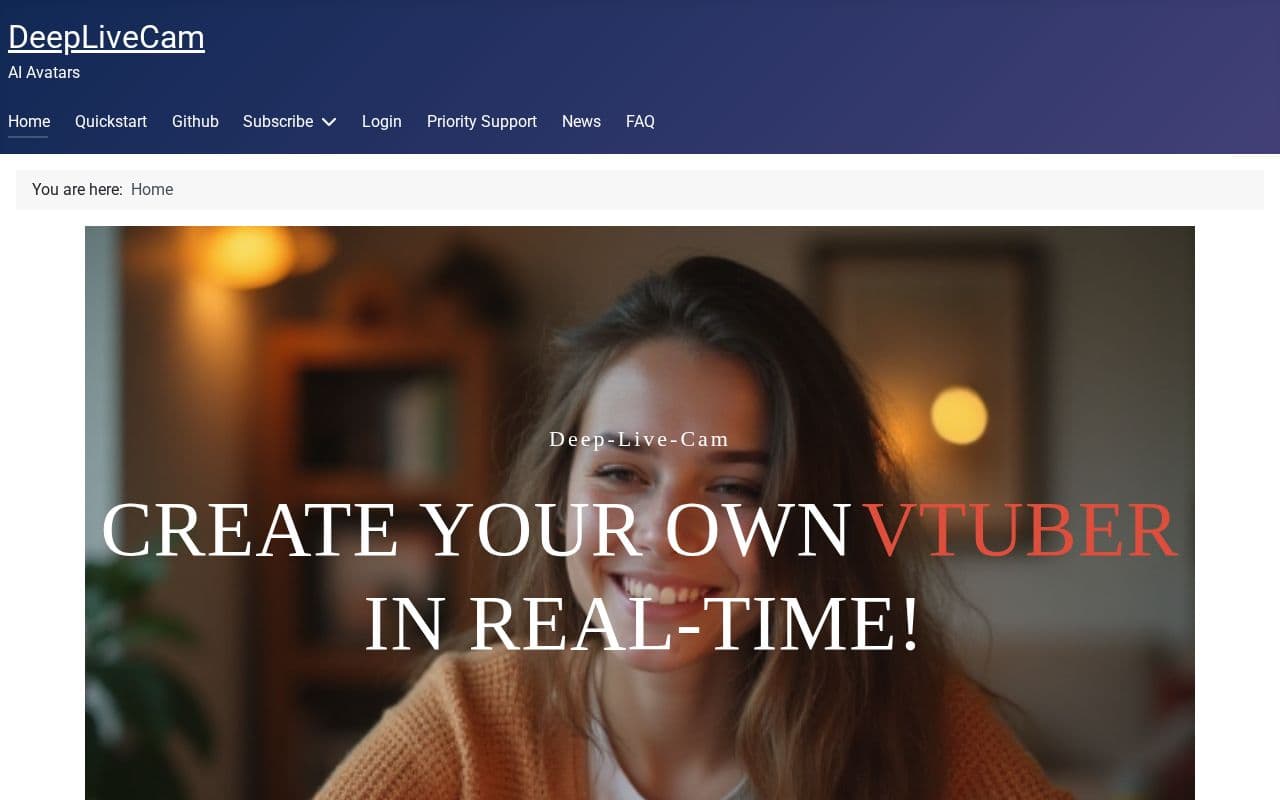
What is Deep Live Cam?
Deep Live Cam offers capabilities for real-time video transformation, allowing individuals to generate custom avatars for various digital interactions. It includes options for both advanced users with dedicated graphics hardware and those seeking simpler setups without such requirements. The software emphasizes offline operation to maintain user privacy and data security during all processes. It caters to streamers, filmmakers, and other creators looking to enhance their visual content with AI-driven effects. Updates and refinements continue to improve performance and usability, including fixes for compatibility issues on multiple platforms.
Key features
What you can use Deep Live Cam for
Virtual Avatars for VTubers
Create and animate custom avatars in real time for streaming and live performances using AI-driven face mapping.
Real-Time Face Swapping
Transform faces or bodies instantly during video calls, recordings, or creative projects while operating fully offline.
Privacy-Conscious Content Creation
Generate immersive storytelling effects and digital personas for filmmakers and creators without cloud dependencies.
How to use Deep Live Cam
- 1Visit the official site or GitHub repository to download the latest release
- 2Install the application following the quickstart guide for your platform
- 3Launch the tool and load a source image or avatar for face mapping
- 4Connect your camera feed and adjust settings for real-time performance
- 5Apply the swap and begin streaming or recording your transformed output
Deep Live Cam pricing
Pricing model: Open Source. Plan details are indicative — check the site for current prices.
Open Source
- Full access via GitHub
- Offline AI face-swapping
- Real-time avatar creation
Editor's verdict
Pros
- +100% private and offline
- +Real-time performance without rendering
- +Frequent updates and community support
Cons
- –Full version may require GPU hardware
- –Release candidates can contain bugs
- –Setup complexity for non-Lite version
Our take: Deep Live Cam is a solid video generation choice. It's valued for 100% private and offline and real-time performance without rendering. The main trade-off is full version may require gpu hardware. A good pick if you want capable AI without a high upfront cost.
Frequently asked questions
The tool runs on Windows with NVIDIA or AMD GPUs, Mac systems, and offers a Lite version that requires no dedicated GPU via API integration.
Summary
Deep Live Cam is a solid video generation choice. It's valued for 100% private and offline and real-time performance without rendering. The main trade-off is full version may require gpu hardware. A good pick if you want capable AI without a high upfront cost.
User reviews
Verified reviews from the community shape this tool's rating.
Loading reviews…
Deep Live Cam alternatives
Similar video generation tools worth comparing.


