
Grok by SpaceXAI for Word
AI-powered editing panel integrated directly into Microsoft Word documents.
Visit website Free to browse · updated 2026-06-21
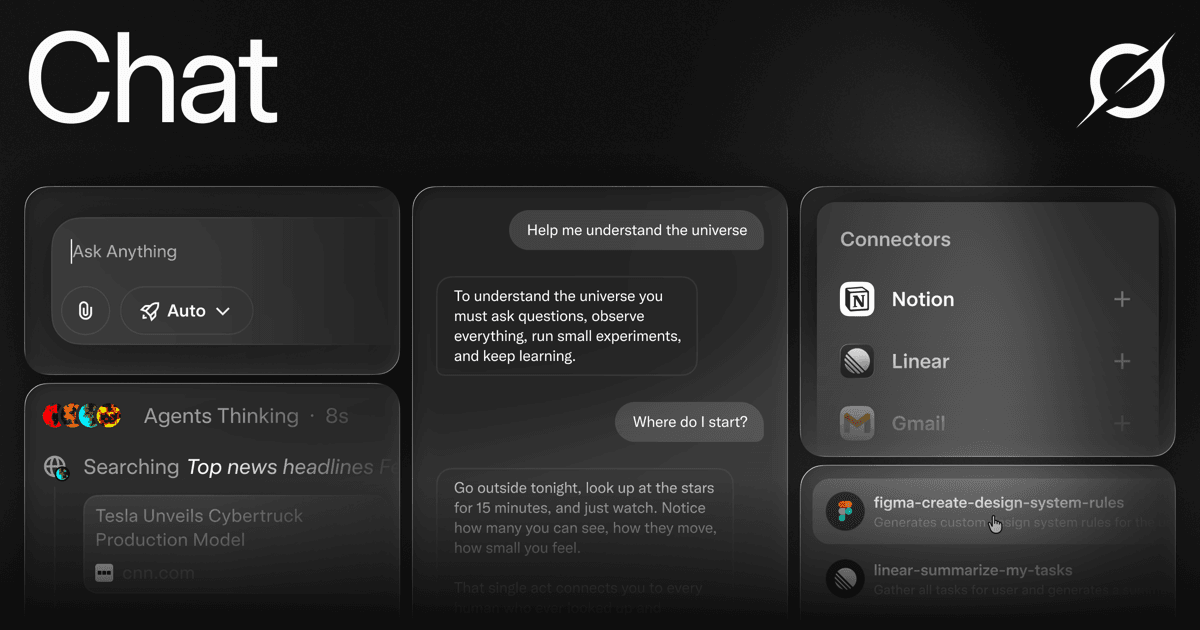
What is Grok by SpaceXAI for Word?
The add-in enables direct interaction with document content by allowing iterative refinements in the same editing session. Edits appear as trackable changes that can be reviewed, accepted, or undone individually without leaving the primary workspace. It supports normalization of headings, alignment of terminology, and overall document coherence even when multiple contributors have worked on the file. The tool reads selected sections to generate structured output while preserving editability and AutoSave functionality. Available through the Microsoft add-in marketplace, the integration places controls on the Home ribbon for quick access after a single sign-in. This setup facilitates tasks such as onboarding document creation and content tightening without requiring external copy-paste steps.
Key features
Microsoft 365 add-in that docks a panel beside the Word document
Drafts, restructures, and tightens wording directly in the open file
Converts rough notes into structured output with real Word headings and lists
Supports iteration in the same thread with fully editable results
Shows before-and-after revisions that can be kept or undone individually
Normalizes heading case, styles, and aligns terminology across the document
Available from the Microsoft Marketplace with one-click install and org-wide admin deployment
What you can use Grok by SpaceXAI for Word for
Structure rough notes
Provide Grok with rough notes and desired format to generate structured documents with real Word headings and lists directly in the file.
Refine document wording
Draft, restructure, and tighten phrasing from an in-document panel, applying grammar fixes and simplifications as visible revisions.
Maintain document consistency
Normalize heading styles, align terminology, and bring multi-author files back in line without rereading every page.
How to use Grok by SpaceXAI for Word
- 1Add Grok for Word from the Microsoft Marketplace
- 2Open the add-in from the Home tab ribbon
- 3Sign in with your account to activate the panel
- 4Select text or notes in your document and enter instructions
- 5Review revisions in place and accept or undo changes
Grok by SpaceXAI for Word pricing
Pricing model: Free. Plan details are indicative — check the site for current prices.
Free
Free
- Add from Microsoft Marketplace
- One click from the Microsoft add-in store
- Works beside your document
Editor's verdict
Pros
- +Edits are applied in place with visible revisions and undo options
- +Maintains document consistency without requiring re-reading of every page
Cons
- –Requires Microsoft 365 and sign-in to use
- –Add-in must be installed from the Marketplace before use
Our take: Grok by SpaceXAI for Word is a solid writing & content choice. It's valued for edits are applied in place with visible revisions and undo options and maintains document consistency without requiring re-reading of every page. The main trade-off is requires microsoft 365 and sign-in to use. A good pick if you want capable AI without a high upfront cost.
Frequently asked questions
Add the add-in free from the Microsoft Marketplace, then open it from the Home tab ribbon after signing in once.
Summary
Grok by SpaceXAI for Word is a solid writing & content choice. It's valued for edits are applied in place with visible revisions and undo options and maintains document consistency without requiring re-reading of every page. The main trade-off is requires microsoft 365 and sign-in to use. A good pick if you want capable AI without a high upfront cost.
Did you find this helpful?
User reviews
Verified reviews from the community shape this tool's rating.
Loading reviews…
Grok by SpaceXAI for Word alternatives
Similar writing & content tools worth comparing.


