
Invoko
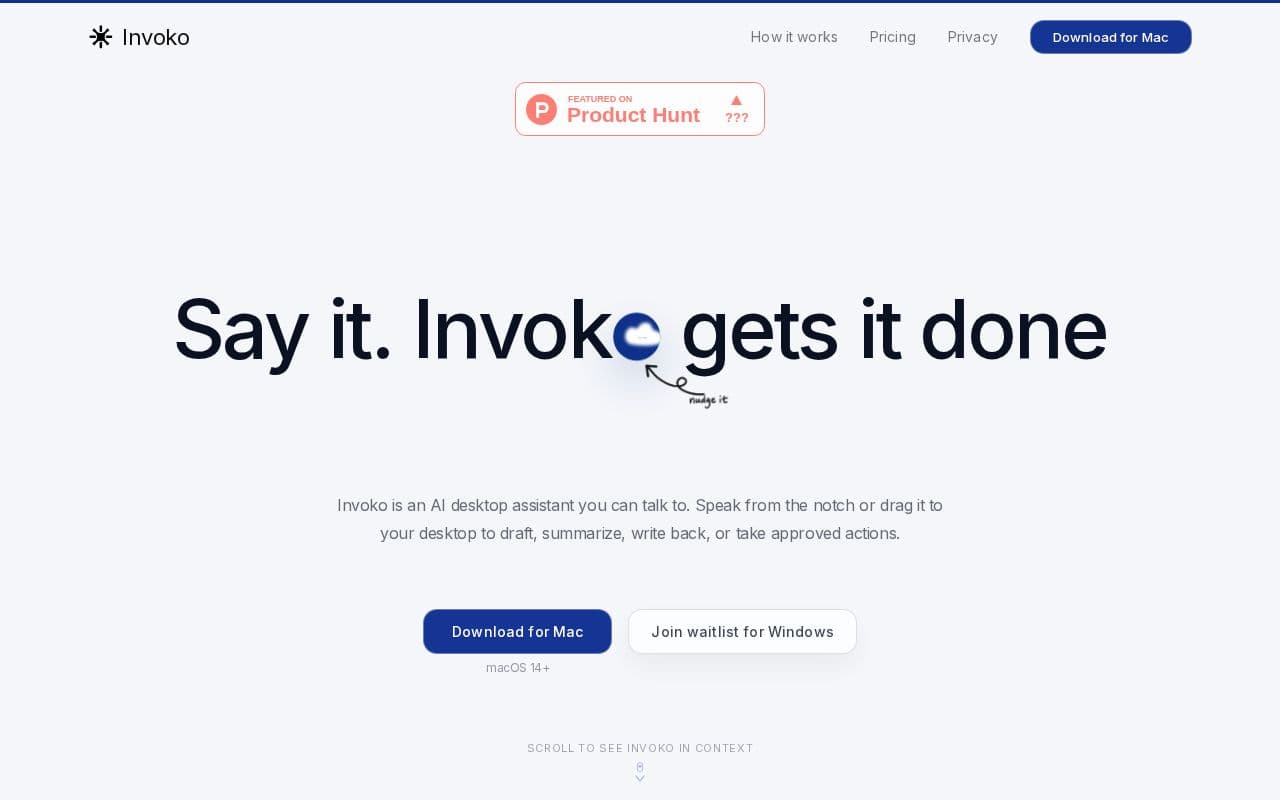
Invoko acts as a conversational AI assistant integrated into the Mac desktop environment.
What is Invoko?
Invoko functions as a desktop companion that responds to spoken instructions without requiring users to switch between windows or describe their work in detail. It activates through a simple shortcut and processes requests using the active application, selected text, or page content to generate replies, rewrites, or next steps. The assistant maintains continuity across sessions by referencing prior interactions and learned preferences. Permissions for microphone, screen access, and account connections are managed explicitly, with options to limit data retention and avoid server storage of voice inputs. Beta users report smoother workflows in tools like design software and email clients, where voice dispatch enables quick follow-ups and information retrieval while remaining focused on primary tasks.
Key features
What you can use Invoko for
Voice Drafting in Design Tools
Speak to draft client updates while viewing a Figma file; Invoko reads the open design and generates the message without leaving the app.
Quick Replies Across Apps
Hold the Fn key to reply to an email thread or chat message using the current screen context for faster responses than typing.
Cross-App Task Execution
Request actions that span multiple apps such as gathering details from a browser and delivering results back to email after user approval.
How to use Invoko
- 1Download Invoko for Mac from the website
- 2Grant permissions for microphone, screen access, and accessibility
- 3Hold the Fn key to invoke the assistant
- 4Speak your request using current app context
- 5Review and approve any cross-app actions
Invoko pricing
Pricing model: Free. Plan details are indicative — check the site for current prices.
Free Beta
- Early access for Apple Silicon Mac
- macOS 14+
Editor's verdict
Pros
- +Seamless workflow integration without switching apps
- +Fast voice input claimed 4x quicker than typing
- +Strong memory for follow-ups and context
Cons
- –Mac-only beta (Apple Silicon); Windows on waitlist
- –Requires microphone, screen, and accessibility permissions
- –Beta stage may include incomplete features
Our take: Invoko is a solid productivity choice. It's valued for seamless workflow integration without switching apps and fast voice input claimed 4x quicker than typing. The main trade-off is mac-only beta (apple silicon); windows on waitlist. A good pick if you want capable AI without a high upfront cost.
Frequently asked questions
No. Invoko activates only when invoked via shortcut or request, and each permission for voice, screen, or accounts must be granted separately.
Summary
Invoko is a solid productivity choice. It's valued for seamless workflow integration without switching apps and fast voice input claimed 4x quicker than typing. The main trade-off is mac-only beta (apple silicon); windows on waitlist. A good pick if you want capable AI without a high upfront cost.
User reviews
Verified reviews from the community shape this tool's rating.
Loading reviews…
Invoko alternatives
Similar productivity tools worth comparing.


