
Visit website Free to browse · updated 2026-06-18
What is Kommanda?
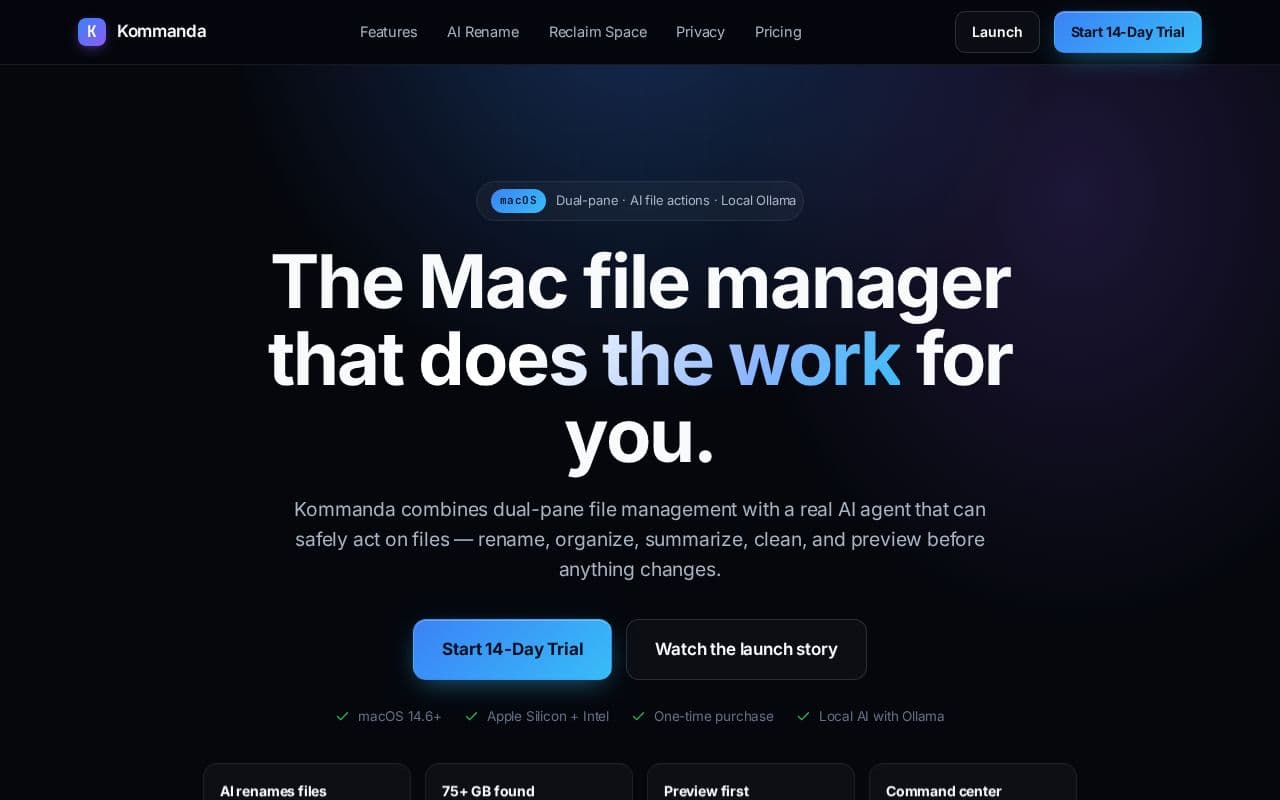
Kommanda provides a command center approach to file management on macOS by keeping source and target panes visible at all times. Users can leverage keyboard shortcuts for common tasks while the integrated AI suggests actions that require explicit confirmation before any changes occur. This setup supports both local models through Ollama and optional cloud providers for flexibility. The application includes specialized features such as space reclamation scans for developer artifacts, syntax-aware code previews, archive handling, and a visual folder graph for complex directory structures. All AI-driven modifications remain under user control with full preview capabilities to maintain safety and accuracy during workflows. Designed for developers and content creators who handle frequent file operations, Kommanda emphasizes privacy by allowing fully local AI processing without mandatory subscriptions or data transmission.
Key features
Dual-pane file management with keyboard shortcuts
AI file actions for rename, organize, summarize using local Ollama
Reclaim space by scanning rebuildable developer junk
Folder graph visualization for complex projects
Integrated terminal, PDF, code, and ZIP previews
Local or cloud AI options with explicit confirmation for changes
One-time purchase with 14-day trial
What you can use Kommanda for
AI File Organization
Draft rename, organize, and summarize actions on files like screenshots and PDFs with local Ollama before confirmation.
Developer Disk Cleanup
Scan project folders to identify rebuildable junk such as Xcode DerivedData, node_modules, and caches for optional removal.
Complex Project Navigation
Visualize folder structures with graph views and manage files in dual-pane layout using keyboard shortcuts and previews.
How to use Kommanda
- 1Download and install Kommanda from kommanda.app on macOS
- 2Start the 14-day trial and open the dual-pane workspace
- 3Navigate to files or folders using keyboard shortcuts like F5 or F6
- 4Select items and request AI actions such as rename or summarize
- 5Review the drafted plan in the confirmation dialog and apply changes
Kommanda pricing
Pricing model: Paid. Plan details are indicative — check the site for current prices.
14-Day Trial
Free
- 14-day fully featured trial
- no account needed
Founder Edition
Popular$19one-time
- Launch price with code FIRSTUSERS
- Regular price $29
- One-time purchase
- Future updates included
Founder Edition
$29one-time
- Regular price
- One-time purchase
- Future updates included
Editor's verdict
Pros
- +Local AI keeps files private on Mac
- +One-time purchase, no subscription
- +Safe AI actions with preview and user confirmation
Cons
- –macOS only (14.6+)
- –AI actions require manual review before applying
Our take: Kommanda is a solid productivity choice. It's valued for local ai keeps files private on mac and one-time purchase, no subscription. The main trade-off is macos only (14.6+). Best when you need reliable, professional output.
Frequently asked questions
Kommanda runs on macOS 14.6 and later for both Apple Silicon and Intel Macs.
Summary
Kommanda is a solid productivity choice. It's valued for local ai keeps files private on mac and one-time purchase, no subscription. The main trade-off is macos only (14.6+). Best when you need reliable, professional output.
Did you find this helpful?
User reviews
Verified reviews from the community shape this tool's rating.
Loading reviews…
Kommanda alternatives
Similar productivity tools worth comparing.


