
Langchain
VerifiedLangChain enables creation of customizable AI agents through modular components and model integrations.
What is Langchain?
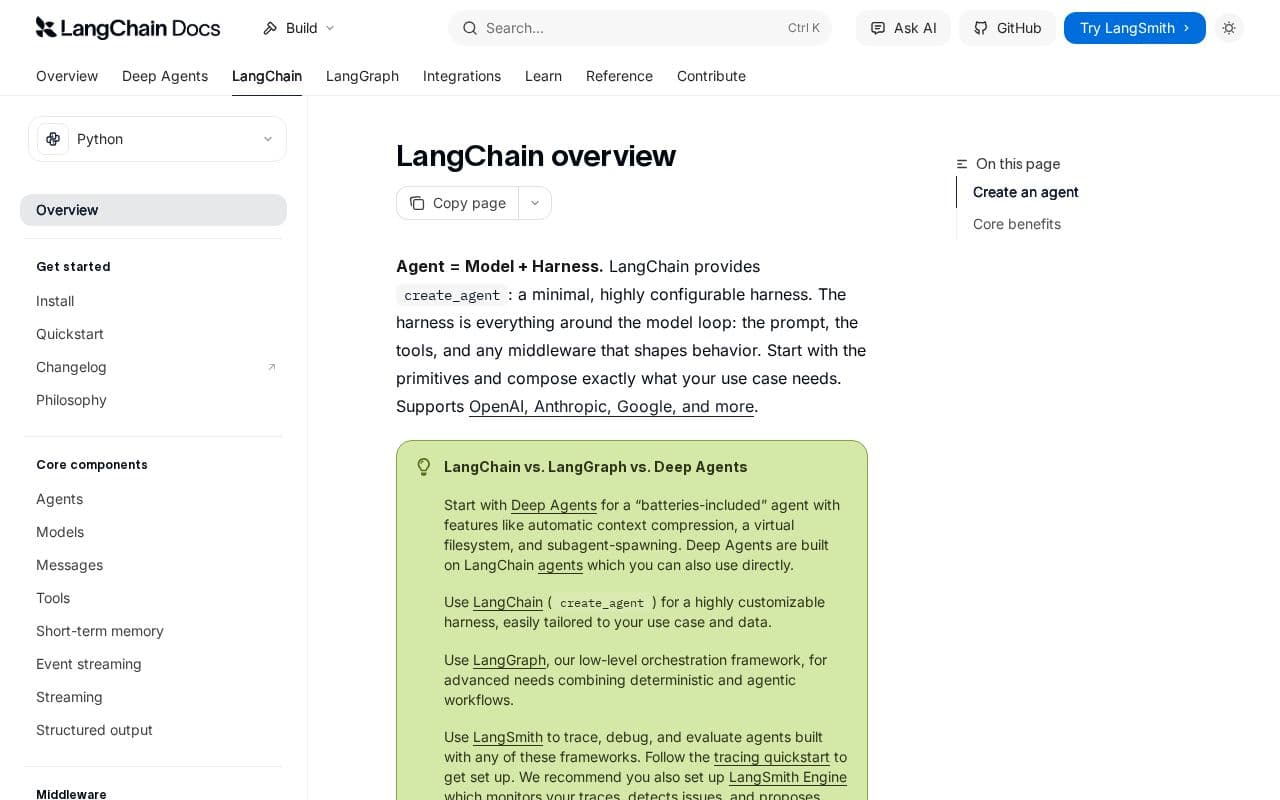
LangChain centers on building agents by pairing a language model with supporting elements like custom tools and system prompts. Developers can start with core primitives and extend functionality through middleware that addresses individual concerns such as context handling or output structuring. The framework emphasizes flexibility, allowing seamless swapping of models from different providers without altering surrounding code. Agents created this way gain access to durable execution features and human oversight options through their foundation in LangGraph. Integration with LangSmith adds capabilities for monitoring execution paths, capturing state changes, and generating runtime metrics to refine agent performance over time.
Key features
What you can use Langchain for
Building Custom Tool-Enabled Agents
Develop agents that incorporate user-defined functions such as weather lookups or data queries, combined with a system prompt to guide behavior and produce structured responses via the create_agent function.
Switching Between Multiple LLM Providers
Leverage the standard interface to connect the same agent harness to models from OpenAI, Anthropic, Google Gemini, or other supported providers without changing core code.
Tracing and Evaluating Agent Workflows
Integrate LangSmith to capture execution traces, debug complex multi-step interactions, and evaluate outputs while using LangGraph for durable execution and human-in-the-loop oversight.
How to use Langchain
- 1Install LangChain and the desired model provider package
- 2Define custom tools as Python functions with docstrings
- 3Call create_agent with model identifier, tools list, and system prompt
- 4Invoke the agent using a messages array containing user input
- 5Enable LangSmith tracing by setting environment variables for debugging
Langchain pricing
Pricing model: Open Source. Plan details are indicative — check the site for current prices.
Open Source
- Core framework access
- Agent creation
- Model integrations
Editor's verdict
Pros
- +Seamless provider swapping without lock-in
- +Minimal yet extensible agent harness
- +Deep runtime visibility via LangSmith
Cons
- –Some documentation pages return 404 errors
- –Requires coding to implement agents
Our take: Langchain is a solid coding & dev choice. It's valued for seamless provider swapping without lock-in and minimal yet extensible agent harness. The main trade-off is some documentation pages return 404 errors. A good pick if you want capable AI without a high upfront cost.
Frequently asked questions
It supplies a minimal, configurable harness that combines a model, tools, prompt, and execution loop, extendable through middleware.
Summary
Langchain is a solid coding & dev choice. It's valued for seamless provider swapping without lock-in and minimal yet extensible agent harness. The main trade-off is some documentation pages return 404 errors. A good pick if you want capable AI without a high upfront cost.
User reviews
Verified reviews from the community shape this tool's rating.
Loading reviews…
Langchain alternatives
Similar coding & dev tools worth comparing.
