
Messy2Sheet
VerifiedConvert unstructured documents into clean editable spreadsheets automatically.
What is Messy2Sheet?
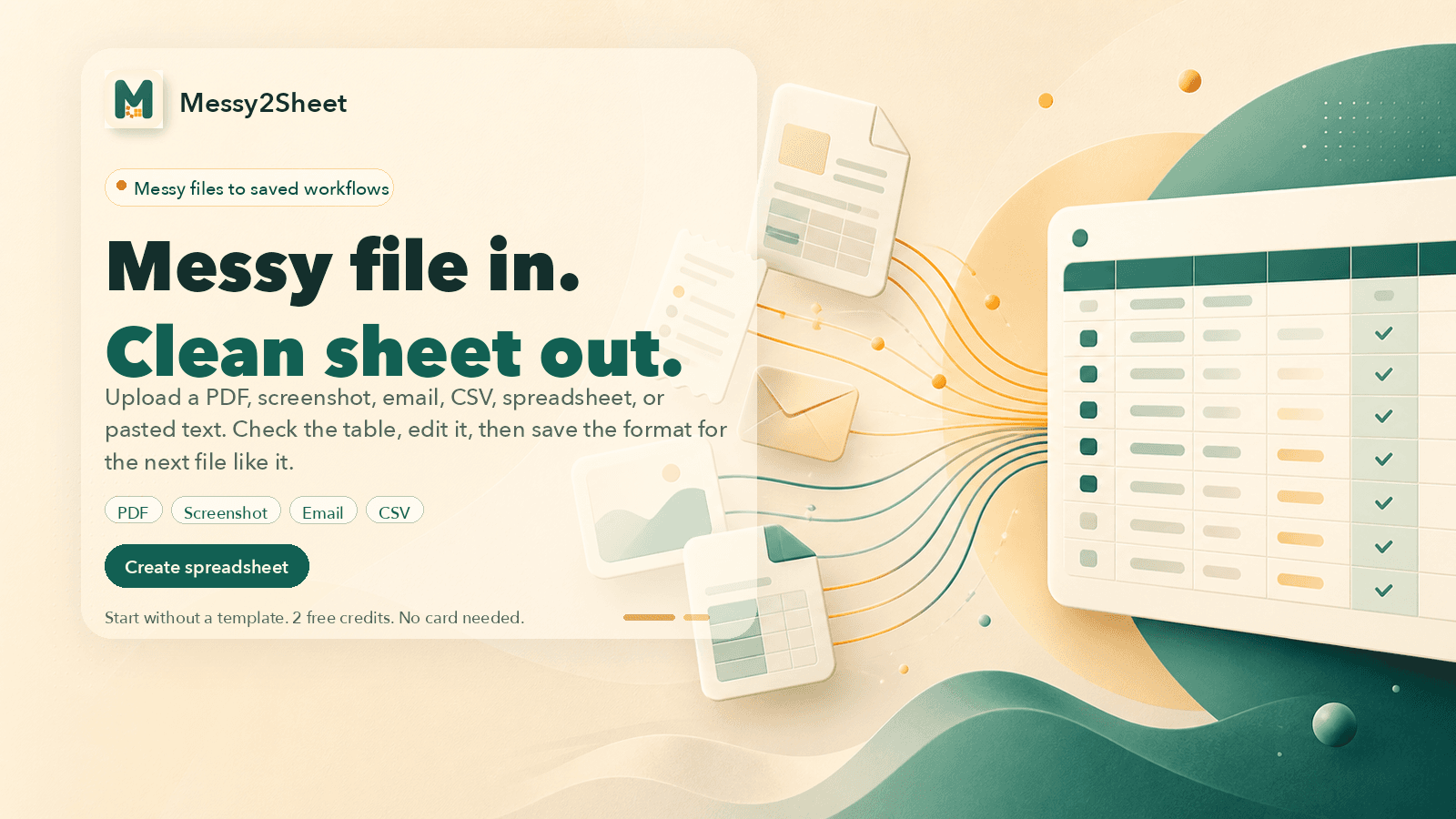
The service extracts relevant data from a wide range of input formats and organizes it into rows and columns suitable for spreadsheets. It supports tasks like turning bank statements into transaction ledgers or invoices into itemized lists with totals and metadata preserved. After generating an initial table, the interface allows renaming fields, splitting content, or requesting alternative versions before export to common formats. Saved workflows enable consistent handling of recurring document types without re-entering instructions each time. Templates are available for standardized outputs such as purchase orders or expense reports, while general use begins directly from a single file upload. The process emphasizes review prior to final download to ensure accuracy.
Key features
What you can use Messy2Sheet for
Bank Statement Conversion
Transform PDF bank statements into clean transaction ledgers with dates, descriptions, deposits, withdrawals, and balances.
Invoice Processing
Convert invoice PDFs or emails into structured line-item sheets including VAT and totals.
Expense Report Automation
Turn receipt photos and expense notes into reimbursement workbooks ready for review.
How to use Messy2Sheet
- 1Upload a PDF, screenshot, email, CSV, spreadsheet or pasted text
- 2Review and edit the generated table or workbook
- 3Add instructions if needed for custom columns
- 4Export the result to Excel or CSV
- 5Save the format for reuse on similar files
Messy2Sheet pricing
Pricing model: Freemium. Plan details are indicative — check the site for current prices.
Free
- 2 free credits
- No card needed
Editor's verdict
Pros
- +Start without a template using free credits
- +Reusable workflows reduce repeated manual cleanup
Cons
- –Limited free runs before requiring payment
- –Web-only service
Our take: Messy2Sheet is a solid productivity choice. It's valued for start without a template using free credits and reusable workflows reduce repeated manual cleanup. The main trade-off is limited free runs before requiring payment. A good pick if you want capable AI without a high upfront cost.
Frequently asked questions
It supports PDFs, screenshots, emails, CSVs, spreadsheets, and pasted text.
Summary
Messy2Sheet is a solid productivity choice. It's valued for start without a template using free credits and reusable workflows reduce repeated manual cleanup. The main trade-off is limited free runs before requiring payment. A good pick if you want capable AI without a high upfront cost.
User reviews
Verified reviews from the community shape this tool's rating.
Loading reviews…
Messy2Sheet alternatives
Similar productivity tools worth comparing.

