
Slashy
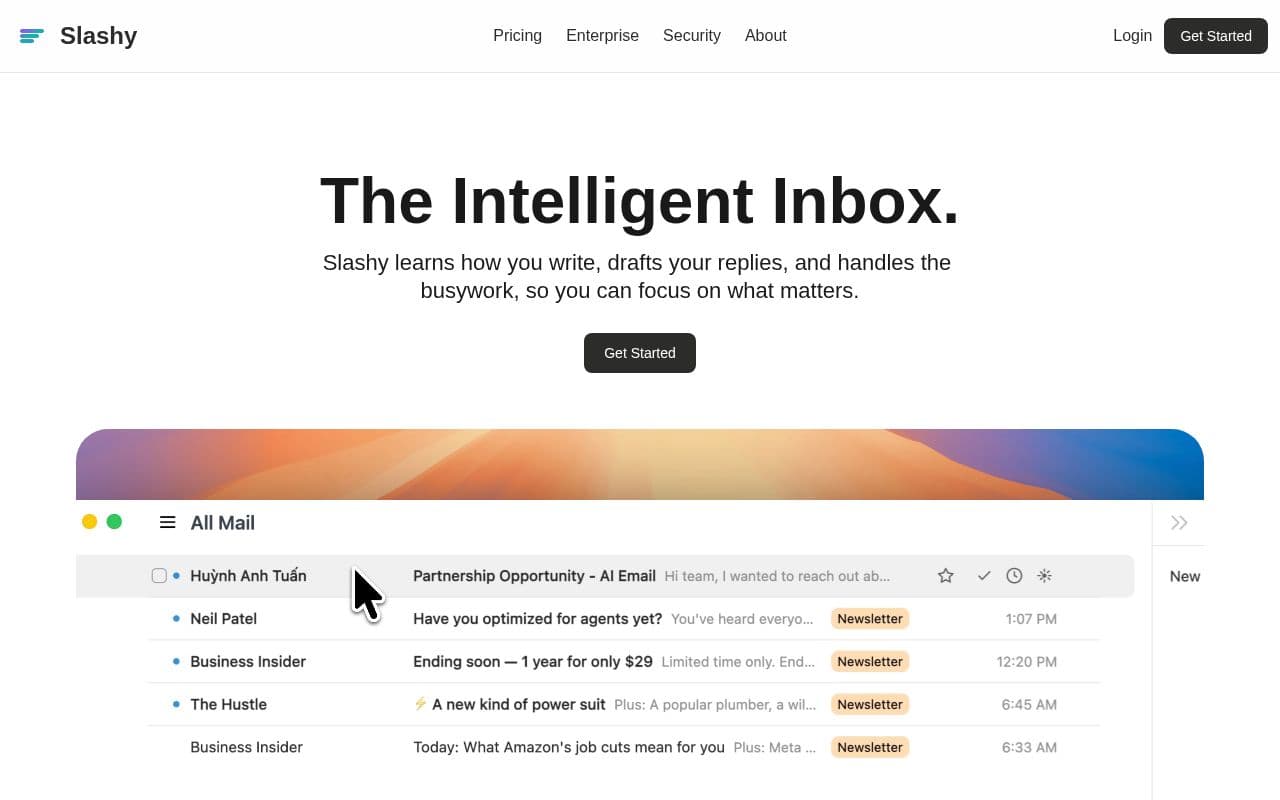
VerifiedSlashy is an AI-powered email platform that adapts to personal writing habits for efficient inbox management.
What is Slashy?
The system unifies multiple accounts into a single view while automatically categorizing messages and surfacing important ones. Users benefit from read receipts that detail engagement timing and device information to guide follow-ups. Calendar functions appear alongside the inbox for quick availability checks during composition. A command palette supports keyboard-driven navigation, and mobile access occurs through standard text messaging for on-the-go triage. Data remains protected through standard encryption protocols with no usage in model training. The service offers tiered plans focused on teams and larger organizations requiring advanced controls.
Key features
What you can use Slashy for
AI-Powered Reply Drafting
Slashy learns how you write and drafts replies in your tone ready to send in one click.
Inline Email Editing
Highlight text and instantly rewrite, shorten, or change tone using the built-in AI assistant.
Scheduling and Tracking
Insert availability into emails without Calendly, track opens with device details, and set follow-up reminders.
How to use Slashy
- 1Sign up at slashy.com
- 2Connect your email accounts
- 3Let Slashy analyze your writing style
- 4Draft or edit emails with AI tools
- 5Enable tracking and reminders
Slashy pricing
Pricing model: Paid. Plan details are indicative — check the site for current prices.
Professional
- Deeper automation, integrations, and personalization for teams
- Multiple inboxes + calendars
- Slashy Chat across inbox & notes
- Hubspot integration
- Onboarding specialist
Enterprise
Popular- Scale, SSO/SCIM, and dedicated support for 50+ teams
- Dedicated account manager
- SSO and SCIM
- Custom security controls
Editor's verdict
Pros
- +Learns and matches user's personal writing style
- +Strong security with TLS/AES encryption, SOC 2, and no AI training on data
- +Keyboard shortcuts and command palette for power users
Cons
- –Mobile access limited to SMS integration
- –Advanced features require paid Professional or Enterprise plans
Our take: Slashy is a solid productivity choice. It's valued for learns and matches user's personal writing style and strong security with tls/aes encryption, soc 2, and no ai training on data. The main trade-off is mobile access limited to sms integration. Best when you need reliable, professional output.
Frequently asked questions
Slashy analyzes your emails to replicate your tone and style when drafting replies.
Summary
Slashy is a solid productivity choice. It's valued for learns and matches user's personal writing style and strong security with tls/aes encryption, soc 2, and no ai training on data. The main trade-off is mobile access limited to sms integration. Best when you need reliable, professional output.
User reviews
Verified reviews from the community shape this tool's rating.
Loading reviews…
Slashy alternatives
Similar productivity tools worth comparing.
