Stitch
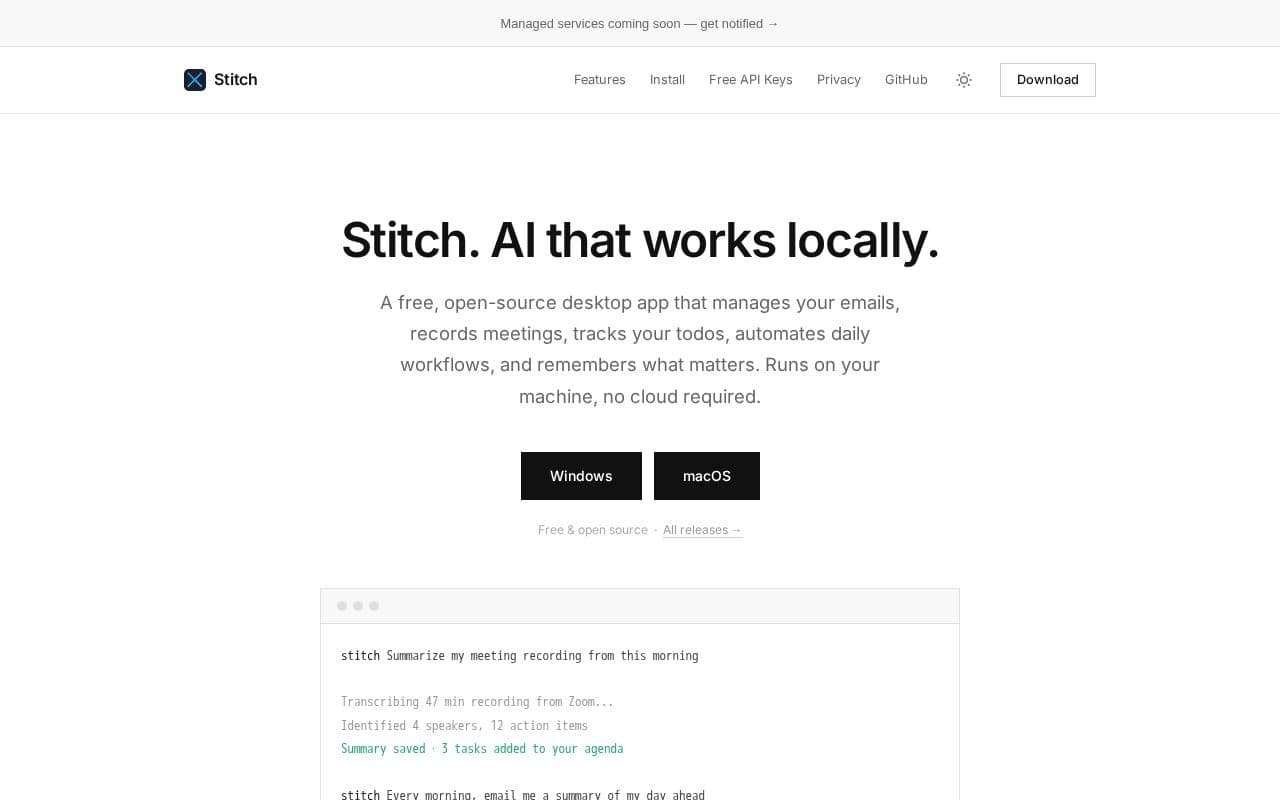
Stitch is a free open-source desktop app that brings local AI assistance to everyday productivity tasks.
What is Stitch?
Stitch offers a range of integrated tools including memory for retaining user preferences, local meeting transcription from popular video platforms, and a task manager that generates items from conversations. Users can create scheduled workflows for routine activities such as email summaries or file organization while maintaining full control through approval prompts for sensitive operations. The application supports connections to various AI services for language processing and speech recognition, along with extensibility options like community skills and external protocol servers. Installation is straightforward on major desktop platforms, and it emphasizes privacy by avoiding any cloud dependency. Free access tiers from several providers allow users to get started without upfront costs, making advanced local AI capabilities available to a broad audience through simple setup steps.
Key features
What you can use Stitch for
Local Meeting Summaries
Record and transcribe meetings from Zoom, Google Meet, Teams, Slack or Discord directly on your device, then generate summaries with action items without sending audio to the cloud.
Daily Workflow Automation
Turn natural-language requests into recurring automations that run on schedule, such as receiving a morning email summary of your day or cleaning up downloads every Friday.
Email and Task Management
Connect Gmail and Google Calendar to read, draft and send messages, while automatically creating prioritized todos from conversations and meetings.
How to use Stitch
- 1Download the installer for macOS or Windows from the official site
- 2Install the app and launch it
- 3Connect an AI provider by pasting your API key
- 4Describe tasks in plain language or enable meeting recording
- 5Review and approve any actions before they run
Stitch pricing
Pricing model: Open Source. Plan details are indicative — check the site for current prices.
Free
- Open source desktop app
- Local AI processing
- Meeting recording and transcription
- Email and calendar integration
- Daily automations
- Memory and task management
- Free API keys supported
Editor's verdict
Pros
- +Free and open source
- +Privacy-focused local processing
- +Broad AI provider support including free tiers
Cons
- –Windows build lacks code signing
- –Managed services not yet available
- –Requires separate API keys for AI features
Our take: Stitch is a solid productivity choice. It's valued for free and open source and privacy-focused local processing. The main trade-off is windows build lacks code signing. A good pick if you want capable AI without a high upfront cost.
Frequently asked questions
Core features run locally on your machine, but connecting to AI providers for transcription or reasoning needs an internet connection unless a fully local model is used.
Summary
Stitch is a solid productivity choice. It's valued for free and open source and privacy-focused local processing. The main trade-off is windows build lacks code signing. A good pick if you want capable AI without a high upfront cost.
User reviews
Verified reviews from the community shape this tool's rating.
Loading reviews…
Stitch alternatives
Similar productivity tools worth comparing.


