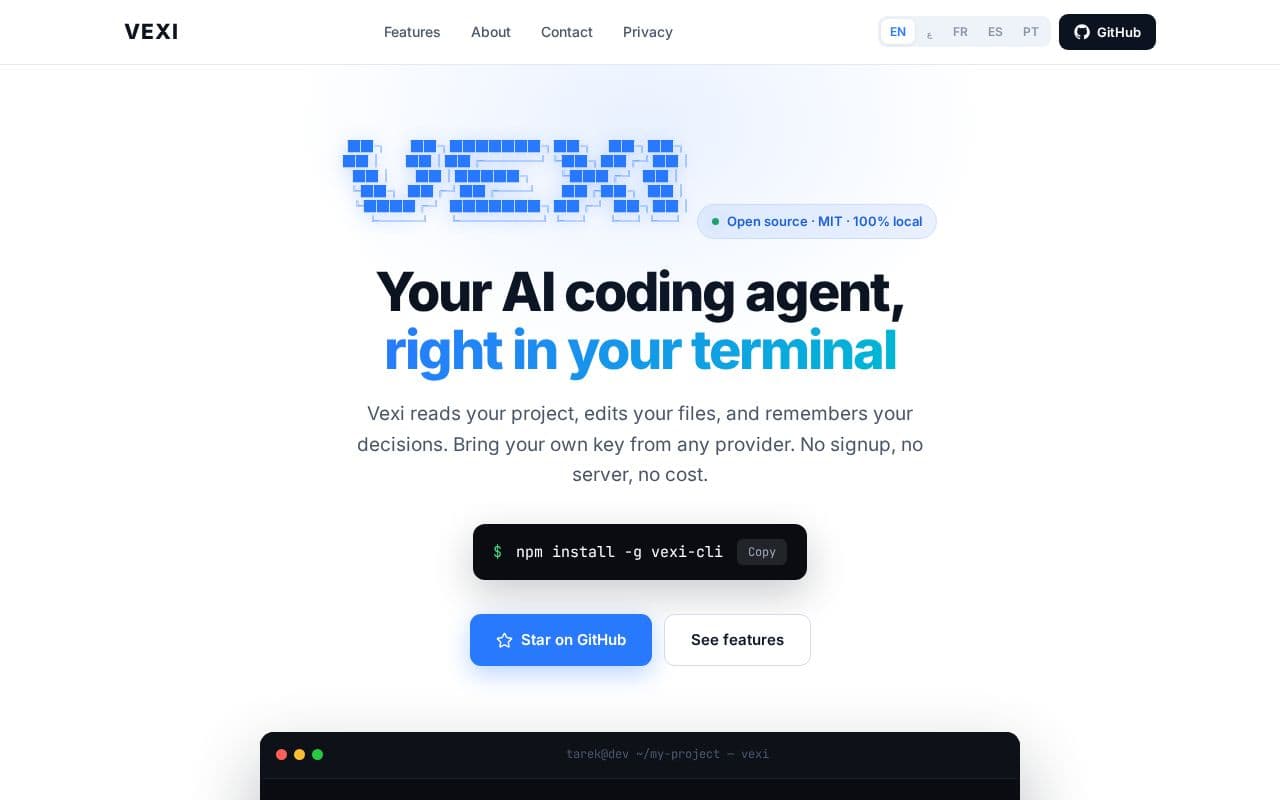
What is VEXI?
This tool installs through a single command and runs across major operating systems while respecting project ignore rules during codebase analysis. It compresses context to avoid repetitive explanations and can execute build commands for multiple programming languages directly from interactions. VEXI supports explanations in several languages and mines past sessions to adapt to individual coding preferences over time. Sessions can be exported for review, and the system detects provider keys automatically for seamless integration. As an MIT-licensed project, it keeps all data and configurations on the user's machine with no transmission to external services beyond the chosen AI provider.
Key features
What you can use VEXI for
Debugging Code Issues
Vexi scans your full project, recalls prior decisions like authentication choices, and applies fixes such as correcting JWT expiration settings in auth files.
Multi-Language Code Explanations
Receive clear breakdowns of any codebase section in Arabic, Spanish, Portuguese, French, or English directly in the terminal.
Cross-Language Build Automation
Run commands like pip install, gcc, javac, or cargo from chat while Vexi handles execution for Python, Java, C, Rust, Go, and other languages.
How to use VEXI
- 1Install via npm install -g vexi-cli
- 2Add your API key from any supported provider
- 3Navigate into your project folder
- 4Launch Vexi and describe the task
- 5Review edits and apply changes
VEXI pricing
Pricing model: Free. Plan details are indicative — check the site for current prices.
Free
- Open source MIT
- 100% local
- Bring your own key
- No signup, no server, no cost
Editor's verdict
Pros
- +One-command npm install
- +No server or data collection
- +Works on Windows, Mac, Linux
Cons
- –Requires personal API keys
- –Terminal-only interface
Our take: VEXI is a solid coding & dev choice. It's valued for one-command npm install and no server or data collection. The main trade-off is requires personal api keys. A good pick if you want capable AI without a high upfront cost.
Frequently asked questions
Run the command npm install -g vexi-cli in your terminal for one-command setup on Windows, Mac, or Linux.
Summary
VEXI is a solid coding & dev choice. It's valued for one-command npm install and no server or data collection. The main trade-off is requires personal api keys. A good pick if you want capable AI without a high upfront cost.
User reviews
Verified reviews from the community shape this tool's rating.
Loading reviews…
VEXI alternatives
Similar coding & dev tools worth comparing.


Explore & compare VEXI
Data-driven comparisons, alternatives and rankings — kept current by our agents.
Featured in