Video To Text Converter
Transform video audio into accurate editable transcripts with AI assistance.
FreemiumVideo Generation
Visit website Free to browse · updated 2026-06-20
What is Video To Text Converter?
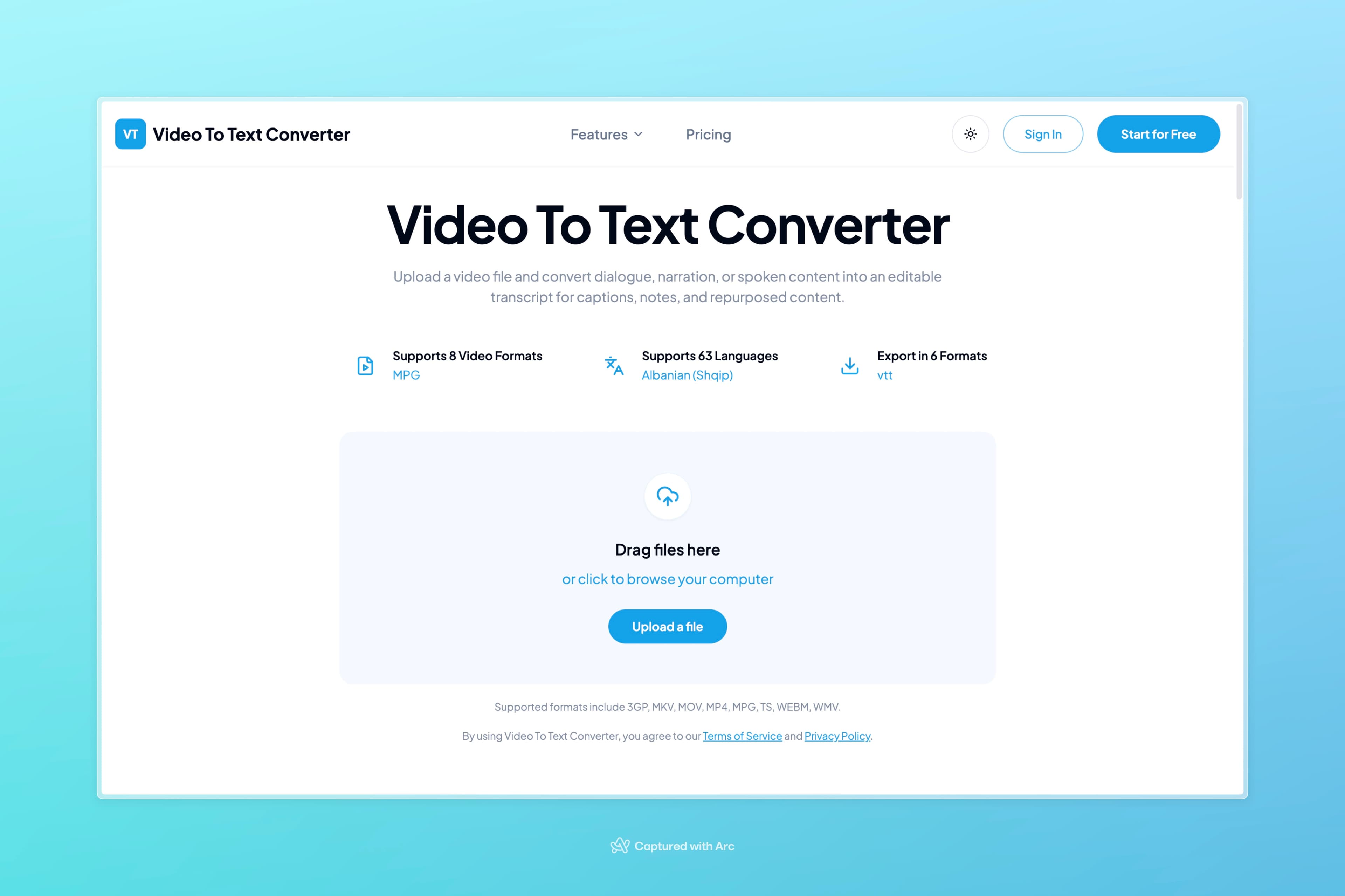
This converter processes uploaded videos to extract dialogue and narration into readable text. It handles a range of common video types and produces outputs that can be edited or used directly for further content creation. Transcripts help in repurposing material from webinars or interviews into articles and summaries. Subtitle files can also be generated to improve accessibility and viewing options across different platforms. The platform offers tiered access starting with free options for basic use, scaling up for higher volumes and advanced features like improved accuracy and bulk processing.
Key features
AI-powered transcription of video dialogue and narration
Supports 8 video formats including MP4, MOV, MKV, WEBM
Transcription in 98 languages with AI translation
Exports to TXT, PDF, DOCX, SRT, VTT, CSV
Subtitle generation via SRT and VTT formats
Speaker identification and bulk transcription on paid plans
AI insights and file retention options by tier
What you can use Video To Text Converter for
Transcribe Webinars and Lessons
Convert dialogue and narration from webinars, lessons, and interviews into editable text transcripts for notes and review.
Generate Video Subtitles
Create subtitle files from video content to add captions for accessibility and social media sharing.
Repurpose Video Content
Transform video speech into articles, summaries, clips, and searchable notes using the exported transcripts.
How to use Video To Text Converter
- 1Upload a video file from your device or supported link
- 2Start the AI transcription process on the audio track
- 3Review the generated transcript for accuracy
- 4Select an export format such as TXT, PDF, or SRT
- 5Download the file for captions, notes, or repurposing
Video To Text Converter pricing
Pricing model: Freemium. Plan details are indicative — check the site for current prices.
Free
Free/mo
- 120 minutes of transcription per month
- Each file up to 30 minutes long
- Upload 1 file at a time
- Limited to 3 files per day
- Basic transcription model
- 98 languages
- AI translation
- TXT, CSV, PDF, TXT, SRT, VTT exports
- Limited AI Insights
- 30-day retention
- Email support
Basic
Popular$6/mo
- 1200 minutes per month
- $10 per 500 extra minutes
- Each file up to 5 hours / 5 GB
- Upload 50 files at a time
- No daily limit
- Premium transcription model
- 98 languages
- AI translation
- Word, CSV, PDF, TXT, SRT, VTT exports
- Enhanced AI Insights
- File transcription
- Speaker identification
- Bulk transcription
- No retention period
- Priority email support
Standard
$12/mo
- 3000 minutes per month
- $15 per 1000 extra minutes
- Each file up to 5 hours / 5 GB
- Upload 50 files at a time
- No daily limit
- Premium transcription model
- 98 languages
- AI translation
- Word, CSV, PDF, TXT, SRT, VTT exports
- Enhanced AI Insights
- File transcription
- Speaker identification
- Bulk transcription
- No retention period
- Priority email support
Pro
$18/mo
- 6000 minutes per month
- $20 per 3000 extra minutes
- Each file up to 5 hours / 5 GB
- Upload 50 files at a time
- No daily limit
- Premium transcription model
- 98 languages
- AI translation
- Word, CSV, PDF, TXT, SRT, VTT exports
- Enhanced AI Insights
- File transcription
- Speaker identification
- Bulk transcription
- No retention period
- Priority email support
Editor's verdict
Pros
- +Free tier with 120 minutes/month and no card required
- +Flexible export formats for subtitles and documentation
Cons
- –Free plan limits uploads to 3 files/day and 30 min/file
- –Requires subscription for premium accuracy and longer files
Our take: Video To Text Converter is a solid video generation choice. It's valued for free tier with 120 minutes/month and no card required and flexible export formats for subtitles and documentation. The main trade-off is free plan limits uploads to 3 files/day and 30 min/file. A good pick if you want capable AI without a high upfront cost.
Frequently asked questions
Yes, it offers free credits to start transcribing without a credit card.
Summary
Video To Text Converter is a solid video generation choice. It's valued for free tier with 120 minutes/month and no card required and flexible export formats for subtitles and documentation. The main trade-off is free plan limits uploads to 3 files/day and 30 min/file. A good pick if you want capable AI without a high upfront cost.
Did you find this helpful?
User reviews
Verified reviews from the community shape this tool's rating.
Loading reviews…
Video To Text Converter alternatives
Similar video generation tools worth comparing.


