whoburnedmore
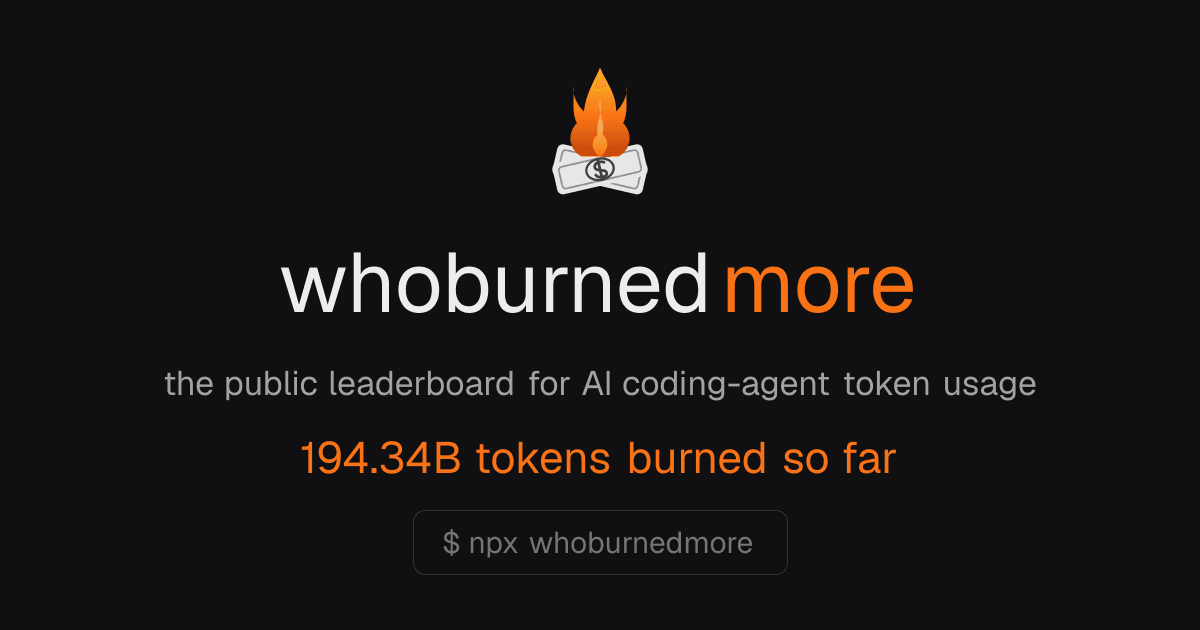
A public leaderboard that ranks developers by AI coding token consumption.
What is whoburnedmore?
The platform aggregates usage data from AI coding agents to create transparent leaderboards. Developers can compare their token burn rates against others using models from providers like Claude, Codex, and Gemini. Only summary statistics are shared, supporting optional local-only mode for complete privacy. Rankings highlight top performers by total tokens, costs, and streaks, along with their preferred tools and models. The system updates frequently to reflect current activity across the community. It draws from established usage tracking libraries to ensure accurate reporting without exposing sensitive details. Users install the tool via a simple command line interface that integrates with existing workflows. This setup enables both public participation on the global board and private dashboard views for personal tracking.
Key features
AI models whoburnedmore uses
What you can use whoburnedmore for
Public Leaderboard Competition
Submit aggregated token usage to appear on global rankings that compare developers by total tokens and estimated costs across AI coding tools.
Private Local Tracking
Run the CLI with the --local flag to analyze and view personal usage aggregates entirely on your machine without transmitting any data.
Multi-Tool Usage Review
Monitor token consumption and costs from supported coding assistants while only sharing daily totals and never exposing code or prompts.
How to use whoburnedmore
- 1Open a terminal in your project directory
- 2Run npx whoburnedmore to scan for usage data
- 3Review the generated aggregates before submission
- 4Add --local to keep results private or omit it to join the leaderboard
- 5Visit whoburnedmore.com to view rankings and shoutouts
whoburnedmore pricing
Pricing model: Free. Plan details are indicative — check the site for current prices.
Free
- CLI via npx
- Public leaderboard access
- Local mode --local
- MIT licensed usage reader
Editor's verdict
Pros
- +Strong privacy guarantees with aggregate-only sharing
- +Real-time leaderboard with cost estimates
Cons
- –Public rankings may expose usage data
- –No dedicated pricing or plans pages available
Our take: whoburnedmore is a solid coding & dev choice. It's valued for strong privacy guarantees with aggregate-only sharing and real-time leaderboard with cost estimates. The main trade-off is public rankings may expose usage data. A good pick if you want capable AI without a high upfront cost.
Frequently asked questions
Only daily aggregate totals are shared; code, prompts, and file names never leave the device.
Summary
whoburnedmore is a solid coding & dev choice. It's valued for strong privacy guarantees with aggregate-only sharing and real-time leaderboard with cost estimates. The main trade-off is public rankings may expose usage data. A good pick if you want capable AI without a high upfront cost.
User reviews
Verified reviews from the community shape this tool's rating.
Loading reviews…
whoburnedmore alternatives
Similar coding & dev tools worth comparing.