WinQuick AI
VerifiedInstant AI tools accessible from any Windows application via a single hotkey.
What is WinQuick AI?
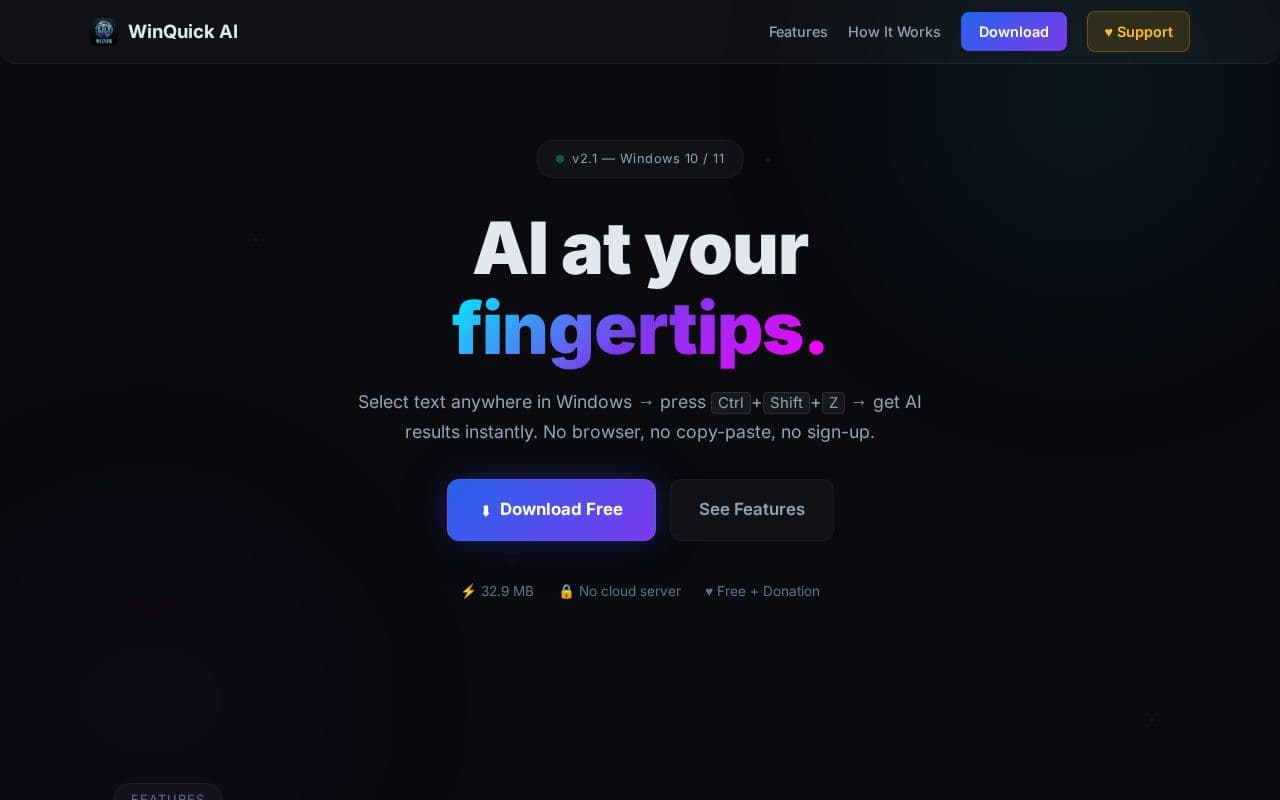
The application runs quietly in the system tray and activates on selected text in programs ranging from browsers to code editors and chat windows. Users can choose from predefined actions that condense material into bullet points, refine casual writing into professional language, or clarify complex topics in simple terms. Additional capabilities include a free-form chat mode for general queries and automatic retention of clipboard items over an extended period. All processing relies on external AI services chosen by the user, keeping the tool lightweight and free of mandatory accounts or subscriptions. Designed for Windows 10 and 11, the software emphasizes ease of use with no configuration steps beyond installing the executable and entering an API key if desired. Donations are welcomed to support ongoing updates while all core functions remain available without payment.
Key features
What you can use WinQuick AI for
Instant Text Summarization
Condense long articles, documents, or emails into 3-5 crisp bullet points directly from any Windows application.
Professional Tone Rewriting
Transform casual or rough text into polished, professional language with a single hotkey press.
Contextual Reply Generation
Create polite and relevant responses for emails and chats based on selected messages.
How to use WinQuick AI
- 1Select any text in a Windows app like Chrome or Word
- 2Press the global hotkey Ctrl+Shift+Z
- 3Choose from available AI actions or start a free chat
- 4Review the AI-generated result
- 5Copy and paste the output as needed
WinQuick AI pricing
Pricing model: Free. Plan details are indicative — check the site for current prices.
Free
- All AI actions
- No sign-up required
- Optional donation support
- No paywall ever
Editor's verdict
Pros
- +Works instantly in any Windows app via hotkey
- +Free with no sign-up or paywalls
- +Supports Gemini, OpenAI, or Claude APIs
Cons
- –Windows 10/11 only
- –Requires user-provided API keys
- –No native mobile or web version
Our take: WinQuick AI is a solid productivity choice. It's valued for works instantly in any windows app via hotkey and free with no sign-up or paywalls. The main trade-off is windows 10/11 only. A good pick if you want capable AI without a high upfront cost.
Frequently asked questions
Yes, WinQuick AI is free for everyone with no sign-up required and no paywalled features.
Summary
WinQuick AI is a solid productivity choice. It's valued for works instantly in any windows app via hotkey and free with no sign-up or paywalls. The main trade-off is windows 10/11 only. A good pick if you want capable AI without a high upfront cost.
User reviews
Verified reviews from the community shape this tool's rating.
Loading reviews…
WinQuick AI alternatives
Similar productivity tools worth comparing.


