
Visit website Free to browse · updated 2026-06-27
What is Captn?
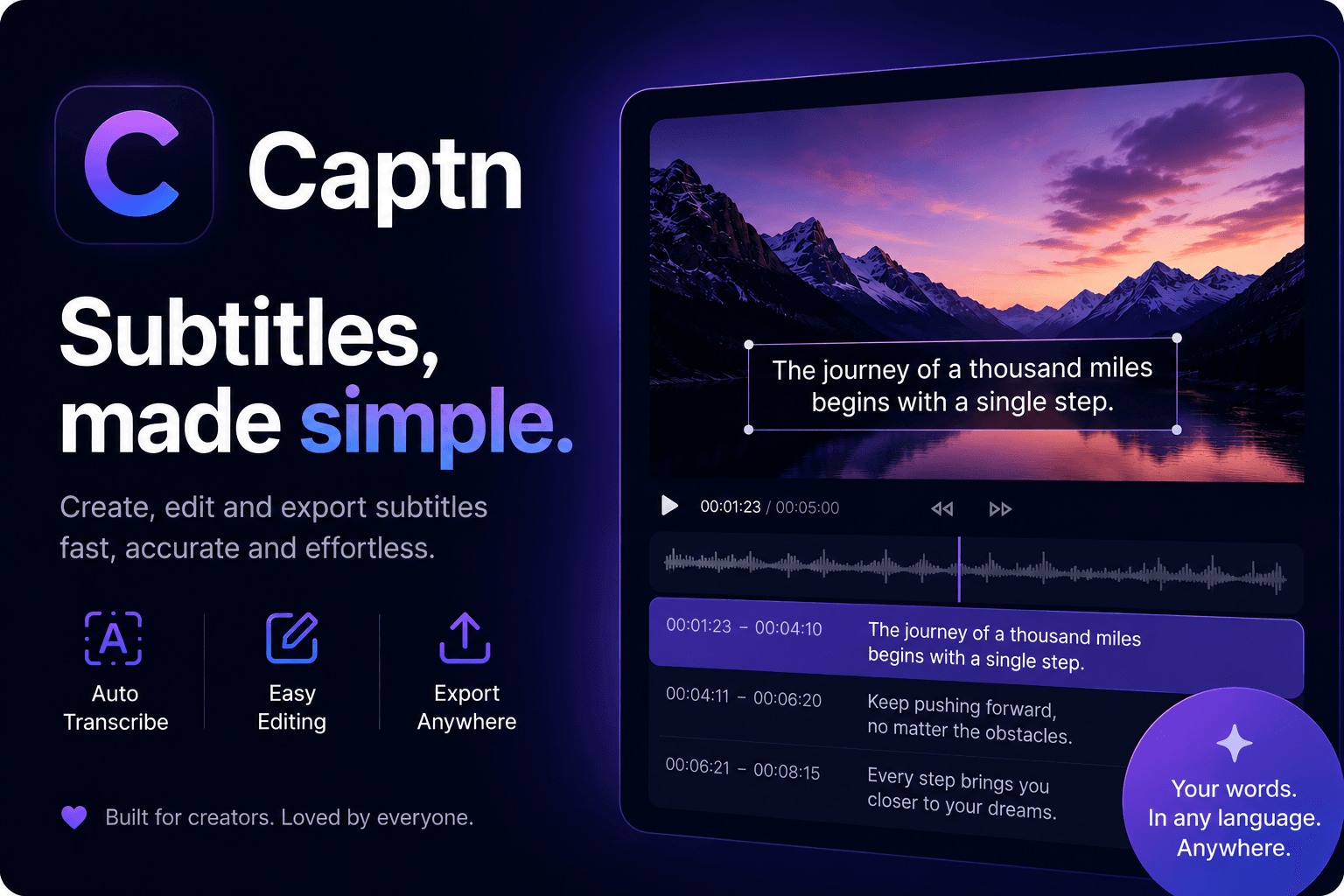
The tool focuses on transforming rough auto-generated captions into polished, publish-ready versions by combining transcript editing, timing controls, and visual styling in one workspace. This approach eliminates the need for complex timelines or separate software, allowing creators to handle line breaks, punctuation, and synchronization efficiently while previewing changes in real time. Beyond basic editing, Captn supports creating translated subtitle versions, extracting short clips from the timeline, and preparing content for various aspect ratios suitable for social media. It maintains project consistency so that a single cleaned caption set can be reused across different output needs without repeated rebuilding. The service targets users working on content for platforms like video sharing sites, online courses, and client deliverables, offering tiered access that starts with limited free usage and expands for higher volumes and advanced features such as priority processing.
Key features
Visual subtitle editing directly on video preview
Generate captions from uploaded video
Fix words, timing, line breaks and styling
Export SRT, VTT, captioned MP4, clips and green-screen captions
Translate captions within the same project
Create and reframe clips for social media
Style captions with fonts, colors and highlights
What you can use Captn for
Visual Subtitle Editing
Upload videos or subtitle files to correct words, timing, line breaks, and styling directly on the video preview without a complex timeline.
Multi-format Export
Export cleaned subtitles once as SRT, VTT, captioned MP4s, clips, green-screen captions, or translated versions for reuse across projects.
Social Clip Preparation
Identify moments from the captioned timeline, reframe clips for vertical or square formats, and prepare publish-ready files for social platforms.
How to use Captn
- 1Upload a video or subtitle file
- 2Generate or import captions
- 3Edit words, timing, and style on the preview
- 4Adjust for platform needs
- 5Export SRT, VTT, MP4 or clips
Captn pricing
Pricing model: Freemium. Plan details are indicative — check the site for current prices.
Free
Free
- 100 MB upload limit
- 10 min source video limit
- 30 transcription/export minutes monthly
- 3-day project retention
Pro
Popular$10/mo
- Up to 2 GB uploads and 3-hour source videos
- Smart clip making for shorts, reels, and podcast highlights
- 600 processing minutes for transcripts, exports, and clips
- Priority rendering and projects stay available longer
Editor's verdict
Pros
- +Browser-based with no installation required
- +All-in-one workflow for editing and multiple exports
- +Supports both generated and imported subtitles
Cons
- –Free plan has 100 MB upload and 10 min video limits
- –Projects retained only 3 days on free tier
- –Requires monthly processing minutes for heavy use
Our take: Captn is a solid video generation choice. It's valued for browser-based with no installation required and all-in-one workflow for editing and multiple exports. The main trade-off is free plan has 100 mb upload and 10 min video limits. A good pick if you want capable AI without a high upfront cost.
Frequently asked questions
Captn is a browser subtitle editor for cleaning up captions, styling them visually, and exporting publish-ready files or videos.
Summary
Captn is a solid video generation choice. It's valued for browser-based with no installation required and all-in-one workflow for editing and multiple exports. The main trade-off is free plan has 100 mb upload and 10 min video limits. A good pick if you want capable AI without a high upfront cost.
Did you find this helpful?
User reviews
Verified reviews from the community shape this tool's rating.
Loading reviews…
Captn alternatives
Similar video generation tools worth comparing.


