CmdRunner
VerifiedAI-powered automation executes tests from documents without any scripting.
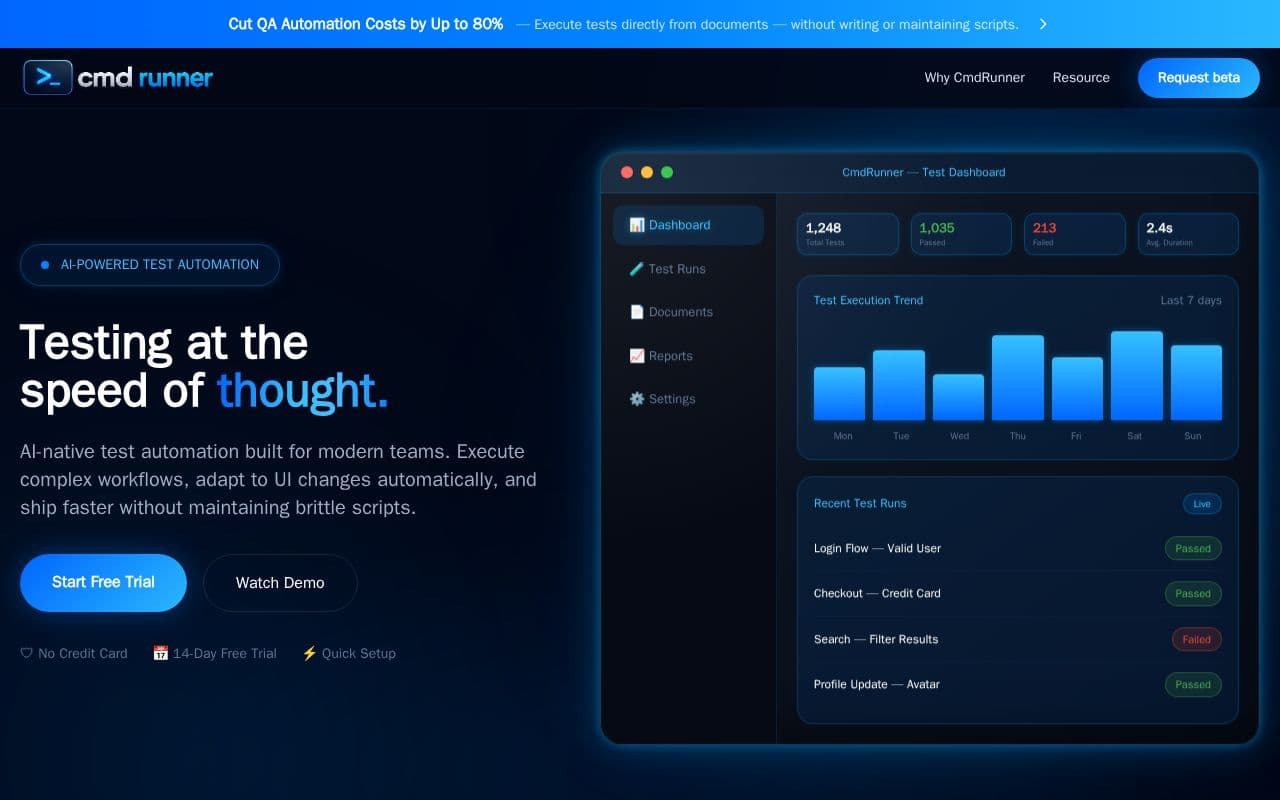
What is CmdRunner?
The platform focuses on turning everyday documents into executable test sessions. Users provide files containing steps and expected results, after which the system handles navigation, data entry, and verification through human-like interactions. By relying on understanding rather than fixed selectors, the tool reduces ongoing upkeep. It supports intricate business processes across various enterprise platforms and supplies detailed logs along with visual proof of each run. Intended for testing professionals and development groups, CmdRunner emphasizes rapid setup and broad applicability to workflows that conventional frameworks struggle to maintain over time.
Key features
What you can use CmdRunner for
Document-Driven Testing
Upload test cases from Excel, Word, or PDF. The AI reads and executes them without writing code.
Enterprise Workflow Automation
Test complex workflows in Salesforce, ERP systems, and internal business tools through browser interactions.
Self-Healing Test Execution
AI adapts to UI changes automatically by reasoning about intent rather than relying on selectors.
How to use CmdRunner
- 1Upload test case documents from Excel, Word, or PDF
- 2AI parses steps and understands intent
- 3Execute tests via real browser interactions
- 4Validate results with visual and content assertions
- 5Generate reports with screenshots and logs
CmdRunner pricing
Pricing model: Freemium. Plan details are indicative — check the site for current prices.
Free Trial
- 14-Day Free Trial
- No Credit Card
- Quick Setup
- Full access to AI test automation
Editor's verdict
Pros
- +80% less time on script maintenance
- +10× faster test creation
- +100% coverage of complex workflows
Cons
- –Currently in beta
- –Limited to .docx, .xlsx, and PDF formats
- –Requires structured test case documents
Our take: CmdRunner is a solid productivity choice. It's valued for 80% less time on script maintenance and 10× faster test creation. The main trade-off is currently in beta. A good pick if you want capable AI without a high upfront cost.
Frequently asked questions
You upload a test case document — Excel, Word, or PDF. CmdRunner's Agentic AI reads it, understands the intent of each step, opens a real browser, and executes the workflow by interacting with your application like a human user.
Summary
CmdRunner is a solid productivity choice. It's valued for 80% less time on script maintenance and 10× faster test creation. The main trade-off is currently in beta. A good pick if you want capable AI without a high upfront cost.
User reviews
Verified reviews from the community shape this tool's rating.
Loading reviews…
CmdRunner alternatives
Similar productivity tools worth comparing.


