
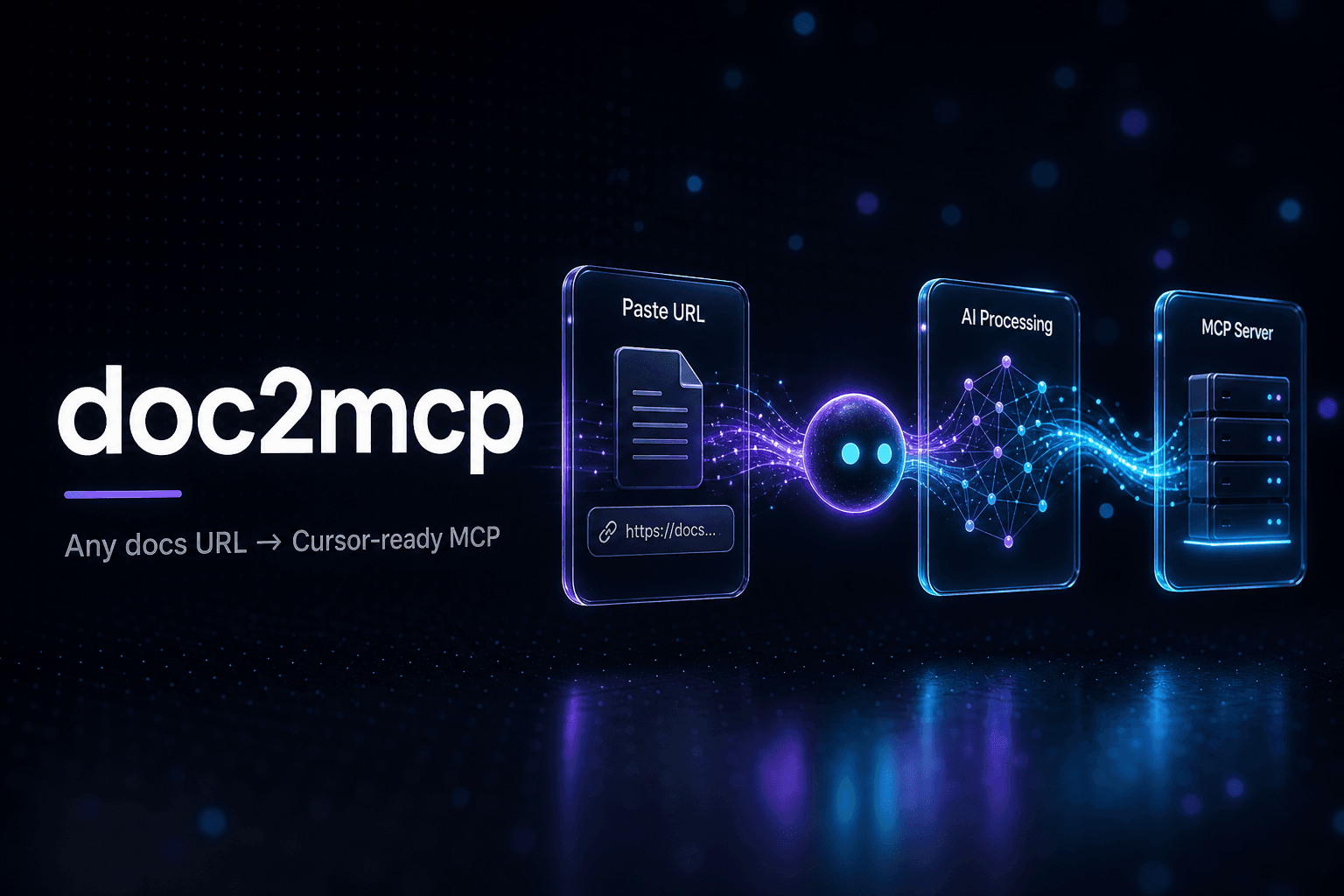
What is doc2mcp?
The service processes input from sources such as API references or project wikis by scanning their structure and content. It then creates corresponding tools and retrieval mechanisms that agents can access directly, supporting compatibility across common development environments. Users benefit from automatic updates that keep the generated server aligned with source changes. This approach supplies structured context to reduce reliance on outdated model knowledge and enables faster development of integrations for both public APIs and internal documentation. It serves teams working on API products, software platforms, open source projects, or private knowledge bases by turning static pages into queryable resources for agent workflows.
Key features
What you can use doc2mcp for
For API Companies
Transform public API documentation into hosted MCP servers so customer agents can call endpoints directly as semantic tools without needing SDKs or custom glue code.
For SaaS Platforms
Ship product documentation alongside your dashboard as an MCP server, enabling Cursor, Claude, and similar tools to answer questions with first-party context.
For Internal Teams
Convert private wikis, runbooks, and Markdown files into a queryable MCP layer that engineering agents can access without exposing data externally.
How to use doc2mcp
- 1Paste any supported documentation URL into the input field
- 2Review the automatically crawled structure and generated tools
- 3Confirm production-ready MCP server creation
- 4Copy the one-click export snippet for your chosen AI client
- 5Paste the configuration into Cursor, Claude Desktop, or VS Code
doc2mcp pricing
Pricing model: Paid. Plan details are indicative — check the site for current prices.
Custom
Editor's verdict
Pros
- +Setup in under 60 seconds with no local install
- +Reduces hallucinations via schema-aware retrieval
- +Automated continuous sync and updates
Cons
- –Requires accessible documentation URL input
- –Dependent on MCP-compatible client ecosystem
Our take: doc2mcp is a solid coding & dev choice. It's valued for setup in under 60 seconds with no local install and reduces hallucinations via schema-aware retrieval. The main trade-off is requires accessible documentation url input. Best when you need reliable, professional output.
Frequently asked questions
It accepts URLs from Mintlify, Docusaurus, GitHub, OpenAPI specs, GitBook, Swagger, and raw Markdown files.
Summary
doc2mcp is a solid coding & dev choice. It's valued for setup in under 60 seconds with no local install and reduces hallucinations via schema-aware retrieval. The main trade-off is requires accessible documentation url input. Best when you need reliable, professional output.
User reviews
Verified reviews from the community shape this tool's rating.
Loading reviews…
doc2mcp alternatives
Similar coding & dev tools worth comparing.


