Visit website Free to browse · updated 2026-06-27
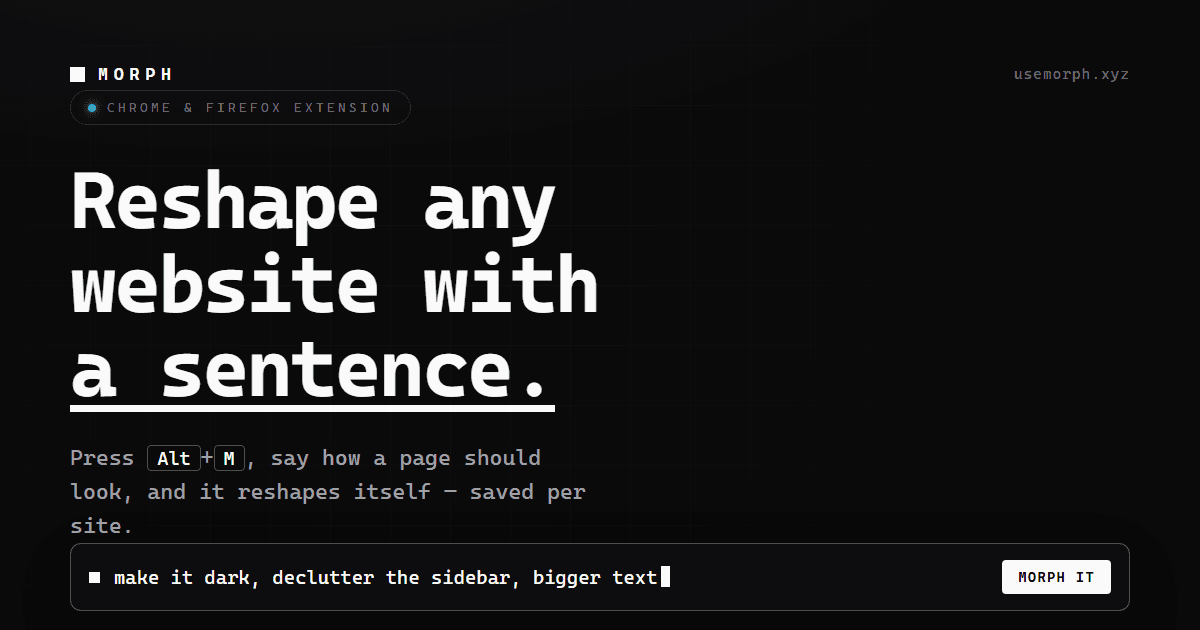
What is Morph?
The tool activates via a keyboard shortcut on supported browsers, allowing immediate visual adjustments based on user descriptions. All processing occurs locally until explicit sharing is requested. Users benefit from personalized browsing experiences that adapt automatically upon return visits. This approach maintains privacy while providing flexible customization options for any online content. Installation is straightforward and free, supporting major browser platforms without additional setup steps.
Key features
Reshape any website using a natural language sentence
Activated via Alt+M keyboard shortcut on any page
Applies changes in place on the current webpage
Saves customizations per site for automatic reapplication on future visits
Available as extensions for Chrome and Firefox
Free to use with no account required
Keeps all data on the page until explicitly requested to send
What you can use Morph for
Instant Layout Adjustments
Users reshape website elements directly on the page by describing desired changes in natural language, with modifications applied immediately without reloading.
Persistent Site Customizations
Custom designs are saved per website and automatically reapplied on future visits, allowing ongoing personalization across sessions.
Browser-Based Design Testing
Designers and developers quickly prototype visual updates on live sites using the Alt+M shortcut, keeping all processing local until explicitly shared.
How to use Morph
- 1Install the extension from the Chrome Web Store or Firefox Add-ons site
- 2Navigate to the target website in your browser
- 3Press Alt+M to activate the Morph input field
- 4Type a natural language description of the desired visual changes
- 5Review the in-place modifications applied to the page
Morph pricing
Pricing model: Free. Plan details are indicative — check the site for current prices.
Free
Free
- no account needed
- nothing leaves the page until you ask Morph
Editor's verdict
Pros
- +Free with no account needed
- +Strong privacy focus as nothing leaves the page by default
- +Persistent per-site customizations
Cons
- –Requires browser extension installation
- –Limited to Chrome and Firefox browsers
- –Manual activation via keyboard shortcut required
Our take: Morph is a solid design choice. It's valued for free with no account needed and strong privacy focus as nothing leaves the page by default. The main trade-off is requires browser extension installation. A good pick if you want capable AI without a high upfront cost.
Frequently asked questions
Press the Alt+M keyboard shortcut on any page to open the natural language input and begin reshaping.
Summary
Morph is a solid design choice. It's valued for free with no account needed and strong privacy focus as nothing leaves the page by default. The main trade-off is requires browser extension installation. A good pick if you want capable AI without a high upfront cost.
Did you find this helpful?
User reviews
Verified reviews from the community shape this tool's rating.
Loading reviews…
Morph alternatives
Similar design tools worth comparing.


