
SayOnce
SayOnce provides offline voice dictation for faster text input on Windows.
FreemiumProductivity
Visit website Free to browse · updated 2026-06-25
What is SayOnce?
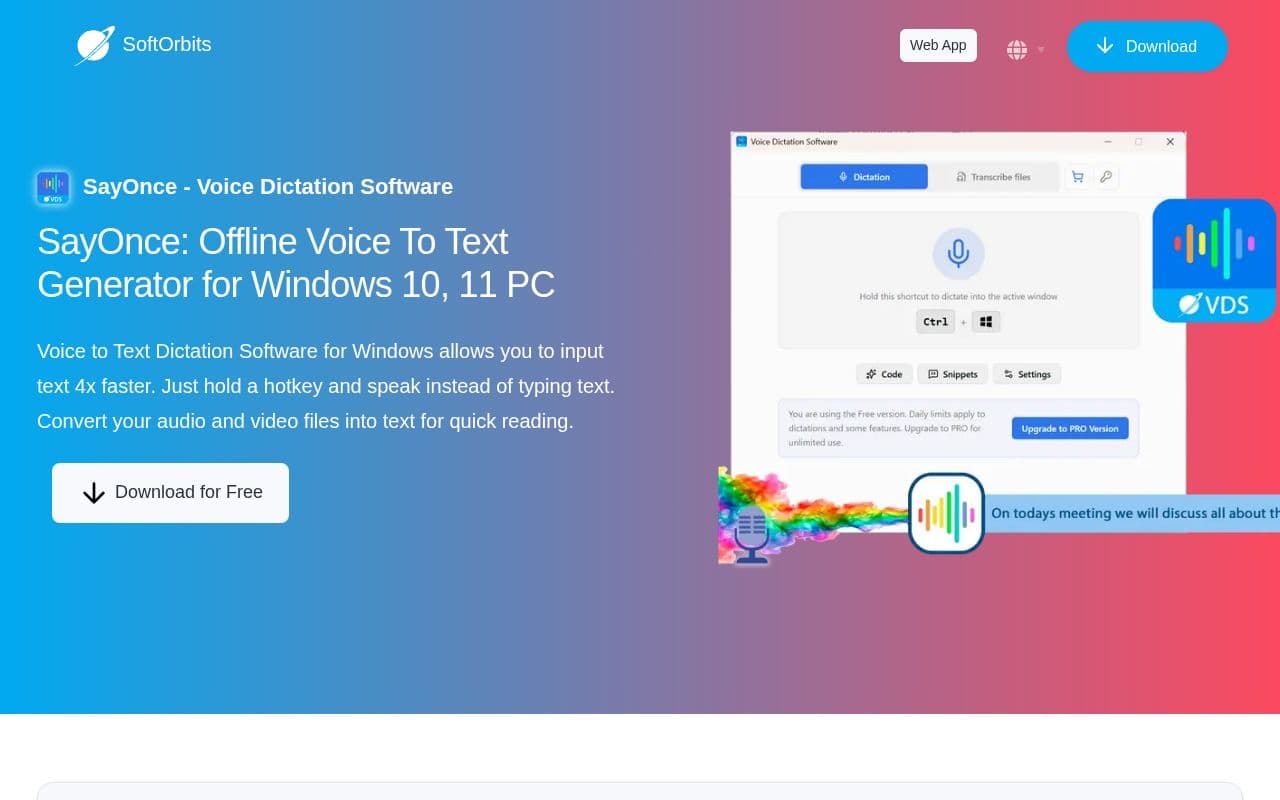
SayOnce functions as a local voice-to-text solution tailored for Windows environments. Users activate dictation through a configurable hotkey to insert spoken words directly into applications such as word processors or code editors. The system processes everything on-device and includes options to adjust for different writing styles including prose, code, or email formats. Additional capabilities extend to converting stored media files into readable text through a dedicated batch interface. Personal dictionaries and expandable snippets help automate common phrases while support for multiple languages broadens accessibility. A free trial version is available alongside a one-time purchase option for ongoing use. The tool targets developers, writers, and office professionals who need reliable transcription without recurring fees or external data transmission. It emphasizes speed and privacy by keeping all recognition tasks on the local machine.
Key features
Offline voice dictation with local processing on Windows
Global hotkey push-to-talk to paste text at cursor
Presets for Prose, Code, and Email input styles
Custom dictionary, snippets, and terminology support
Batch transcription of MP3, MP4, AVI, MOV files
Supports 25+ speech recognition languages
One-time purchase license with free trial option
What you can use SayOnce for
Developers
Vibe code, type prompts, and chat in Cursor or VS Code by holding a global hotkey to insert transcribed text directly at the cursor.
Writers
Write in Word, Google Docs, or Outlook using Prose or Email presets to handle punctuation, paragraphs, and error fixing automatically.
Office Professionals
Transcribe meetings saved as MP4 or MP3 files into searchable text with batch processing and no daily limits.
How to use SayOnce
- 1Download and install SayOnce on Windows
- 2Download the one-time 500 MB on-device recognizer
- 3Hold the global hotkey (default Ctrl + Win) and speak
- 4Configure presets, snippets, or dictionary on the Dictation tab
- 5Drag media files into the Files tab for batch transcription
SayOnce pricing
Pricing model: Freemium. Plan details are indicative — check the site for current prices.
Free
Free
- Free daily limits
- Local processing
- Download for free
- Try before purchase
PRO
Popular$2.99one-time
- Lifetime access
- Unlimited usage
- No daily limits
- All features unlocked
Editor's verdict
Pros
- +Fully offline with no cloud latency or subscriptions
- +Fast local transcription and hotkey integration
Cons
- –Windows-only desktop application
- –Requires 500 MB on-device model download and compatible GPU
Our take: SayOnce is a solid productivity choice. It's valued for fully offline with no cloud latency or subscriptions and fast local transcription and hotkey integration. The main trade-off is windows-only desktop application. A good pick if you want capable AI without a high upfront cost.
Frequently asked questions
Yes, all voice recognition happens locally on your Windows PC with no data sent to servers.
Summary
SayOnce is a solid productivity choice. It's valued for fully offline with no cloud latency or subscriptions and fast local transcription and hotkey integration. The main trade-off is windows-only desktop application. A good pick if you want capable AI without a high upfront cost.
Did you find this helpful?
User reviews
Verified reviews from the community shape this tool's rating.
Loading reviews…
SayOnce alternatives
Similar productivity tools worth comparing.


