SecureThink
VerifiedSecureThink delivers private offline AI analysis for documents and audio on Apple Silicon Macs.
What is SecureThink?
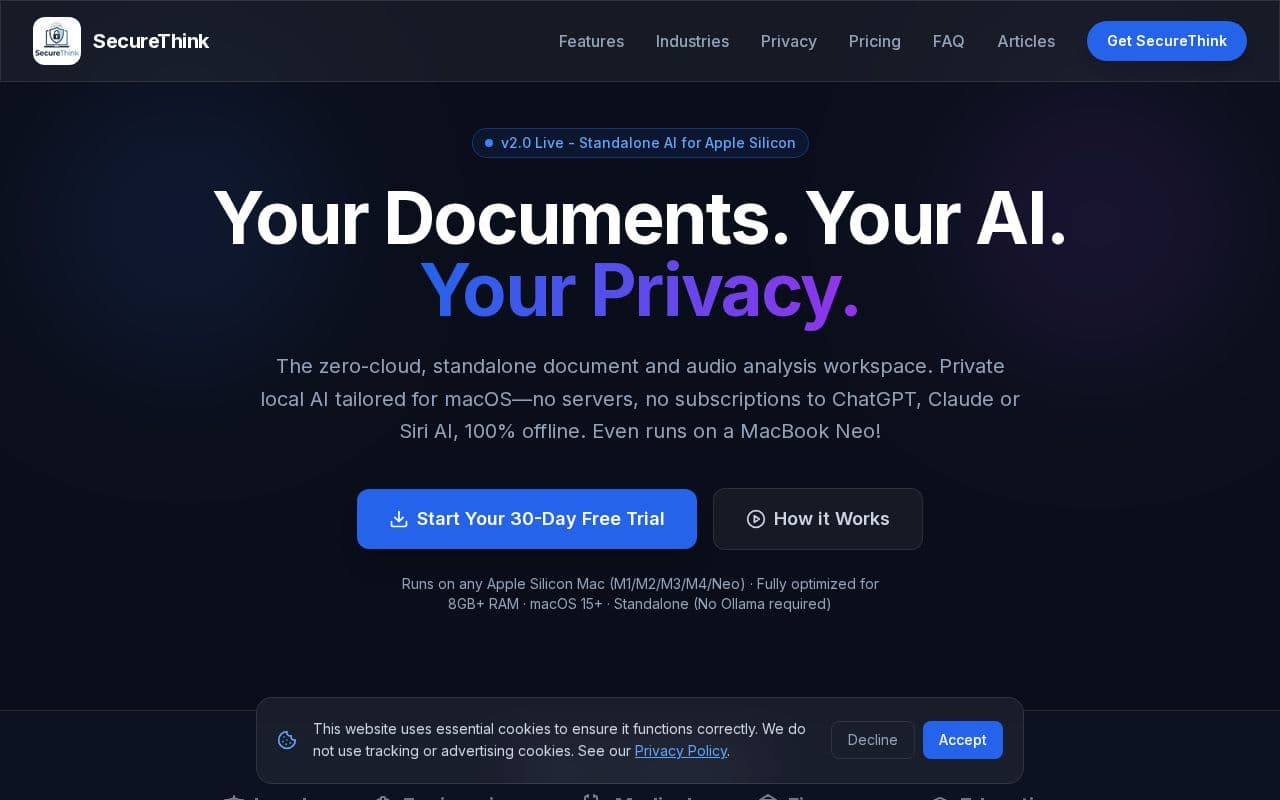
SecureThink functions as a self-contained workspace optimized for Apple Silicon hardware, allowing users to index and query files entirely on their device. The application incorporates optical character recognition for scanned materials and generates structured outputs such as presentations or spreadsheets based on user prompts. Key capabilities include audio transcription with follow-up questions, interactive data visualizations, and precise page citations for sourced answers. It operates without external dependencies, supporting baseline memory configurations and maintaining segmented workspaces for different projects. Professionals in fields like legal review, medical documentation, engineering compliance, and academic research can leverage the tool to accelerate tasks while preserving confidentiality under relevant regulations.
Key features
What you can use SecureThink for
Legal Due Diligence
Analyse thousands of contract pages in minutes. Automatically extract key clauses such as indemnities, IP, and change of control, then flag risks while keeping all client data on-device.
Medical Summaries
Summarise patient histories from clinical notes without violating privacy regulations. Protected Health Information stays entirely on the Mac for HIPAA and GDPR compliance.
Engineering Compliance Checks
Cross-reference site inspection reports against building regulations like BS 7671 to instantly flag critical defects and verify missing authorizations.
How to use SecureThink
- 1Download and open the signed SecureThink .dmg on your Apple Silicon Mac
- 2Drag the app into your Applications folder and launch it
- 3Import PDFs, Word documents, or audio files by drag-and-drop
- 4Let the local RAG engine index your files and transcribe audio on-device
- 5Ask questions in the chat interface and review answers with page citations
- 6Generate reports, charts, or export the workspace as a standalone HTML file
SecureThink pricing
Pricing model: Paid. Plan details are indicative — check the site for current prices.
Personal
- 1 Mac Activation
- Unlimited local vector indexing
- On-device speech-to-text
- Local OCR document parser
- Local document Q&A & charts
- Continuous feature updates
Commercial / Education
Popular- Flexible Mac Activations (choose quantity at checkout)
- Pre-fills app with industry-relevant keywords
- Multi-user licence key management
- Unlimited local indexing & processing
- Priority Email Support & feature requests
- Commercial usage licence
Editor's verdict
Pros
- +100% offline processing with no data leaving the device
- +Optimized for Apple Silicon Macs including 8GB RAM models
- +Standalone app with no Ollama or external dependencies
Cons
- –Limited to macOS on Apple Silicon hardware
- –Requires paid license after 30-day trial
Our take: SecureThink is a solid productivity choice. It's valued for 100% offline processing with no data leaving the device and optimized for apple silicon macs including 8gb ram models. The main trade-off is limited to macos on apple silicon hardware. Best when you need reliable, professional output.
Frequently asked questions
It works perfectly without an internet connection after activation and is 100% air-gapped capable.
Summary
SecureThink is a solid productivity choice. It's valued for 100% offline processing with no data leaving the device and optimized for apple silicon macs including 8gb ram models. The main trade-off is limited to macos on apple silicon hardware. Best when you need reliable, professional output.
User reviews
Verified reviews from the community shape this tool's rating.
Loading reviews…
SecureThink alternatives
Similar productivity tools worth comparing.


