
Sklm
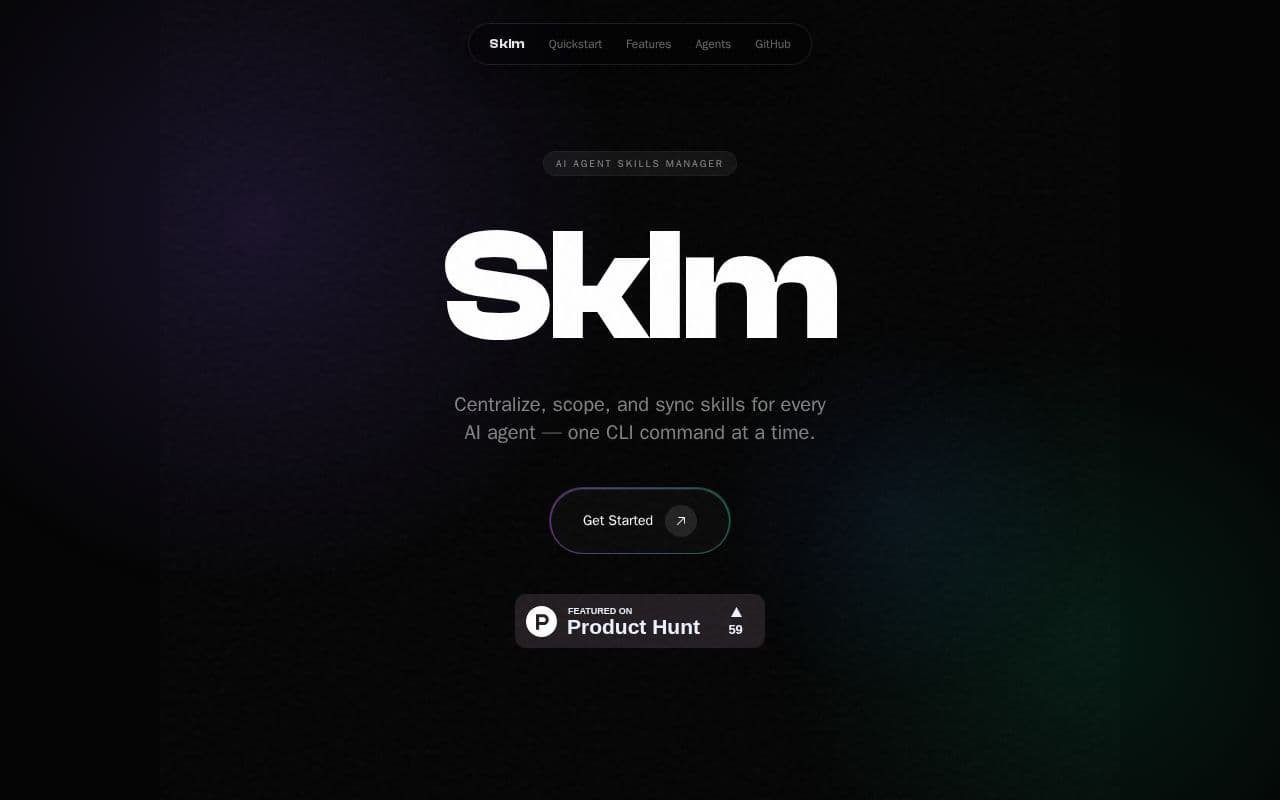
Sklm centralizes and scopes skills for multiple AI agents via CLI commands.
What is Sklm?
Sklm functions as a dedicated manager for AI agent skills by maintaining a centralized repository that avoids duplication across different workspaces. Users initialize the tool in their projects, install skills from local or remote sources into the global store, and then selectively add them to specific environments through automated linking. The system supports a wide range of agents by mapping to their unique configuration paths and skill directories. It includes capabilities for indexing registries, discovering resources by keywords, and migrating existing skills into managed structures, all while ensuring only approved skills become visible to each agent. Architecturally, Sklm separates a persistent global store from workspace-specific links, enabling clean scoping and synchronization. This approach streamlines workflows for developers working with diverse AI tools by handling updates and removals consistently across setups.
Key features
What you can use Sklm for
Multi-Project Skill Scoping
Activate only needed skills per workspace through symlinks so each AI agent configuration sees precisely the skills added without global pollution.
Centralized Global Store
Install skills once into the ~/.sklm/ directory and reuse them across every project while maintaining per-workspace control.
Registry Discovery and Sync
Index local directories or git repositories as searchable skill catalogs and let auto-sync commands update agent configs via sklm add and sklm rm.
How to use Sklm
- 1Run sklm init to initialize the project workspace
- 2Use sklm install to fetch skills from registries or URLs into the global store
- 3Execute sklm add to link selected skills to the current project
- 4Run sklm migrate to bring existing local skills under management
- 5Let auto-sync update the target agent config directories
Sklm pricing
Pricing model: Open Source. Plan details are indicative — check the site for current prices.
MIT License
- Open source tool
- MIT License
- No paid tiers
Editor's verdict
Pros
- +Broad compatibility across 30 supported AI coding agents
- +Clean separation of global and project-scoped skills without config pollution
Cons
- –CLI-only interface with no GUI
- –Requires initial setup and manual migration of existing skills
Our take: Sklm is a solid coding & dev choice. It's valued for broad compatibility across 30 supported ai coding agents and clean separation of global and project-scoped skills without config pollution. The main trade-off is cli-only interface with no gui. A good pick if you want capable AI without a high upfront cost.
Frequently asked questions
Sklm is a CLI tool that centralizes, scopes, and syncs skills for multiple AI agents using a global store and per-project symlinks.
Summary
Sklm is a solid coding & dev choice. It's valued for broad compatibility across 30 supported ai coding agents and clean separation of global and project-scoped skills without config pollution. The main trade-off is cli-only interface with no gui. A good pick if you want capable AI without a high upfront cost.
User reviews
Verified reviews from the community shape this tool's rating.
Loading reviews…
Sklm alternatives
Similar coding & dev tools worth comparing.


